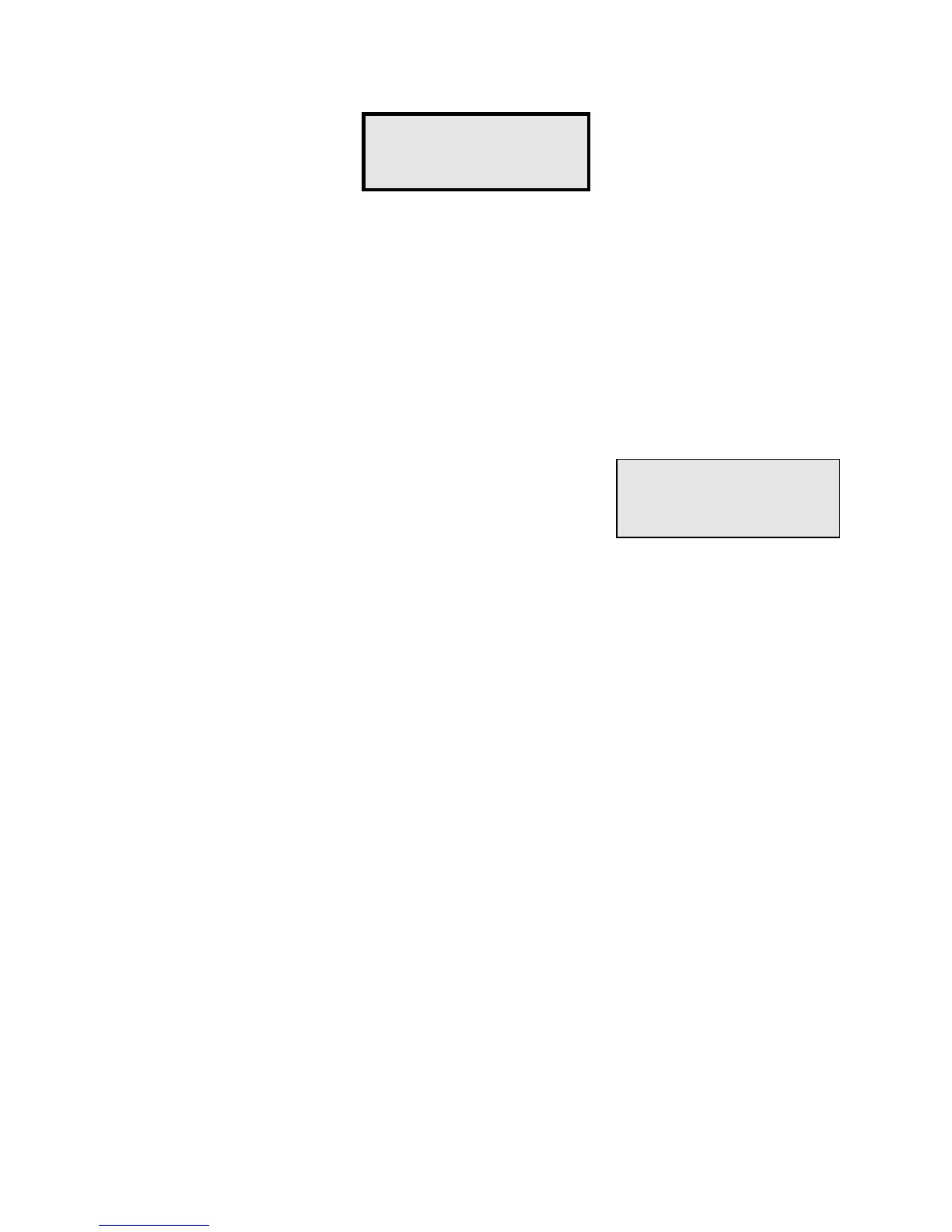
Function #17 - Clear Alarms is available only on systems with PTI door alarms. Whenever
a unit enters the alarm condition, the alarm is logged on the printer and the siren relay is
triggered. Further alarms for the unit are then disabled until this function is executed to clear
the alarm condition. This prevents a single unit from setting off the alarm multiple times
without intervention by the manager to investigate the alarm. Function #17 clears all units
on the property from the alarm condition, so if multiple units have alarmed, it is only
necessary to execute Function #17 one time.
Note that if you forget to execute
Function #17 after an alarm, the units that alarmed will be left in the off condition
and will not print door activity until Function #17 is executed.
After selecting Function #17, the display will indicate
"
Clearing Alarms...
" for several seconds while the PTI
Falcon searches for all units in the alarm condition and
clears them. The display will then return to the date and time.
Function #17 -
Clear Alarms
Clearing
Alarms...


 To Next Page