USR-W630s User Manual
Supports wired/STA multi-network intelligent backup function to keep links open at all times;
Supports PUSR Cloud service. You can open the built-in web page of the wireless client through PUSR
Cloud for remote operation and maintenance, which facilitates centralized management of
equipment systems and improves operation and maintenance efficiency;
Supports SNMP, NTP time calibration, MAC-IP binding, anti-question restrictions and other features
Function.
2. Get Started
2.1. Login web page
Power on the USR-W630s device,connect PC to USR-W630s via LAN port or via Wi-Fi, users can login router
via Chrome or the other browser. The default network parameters are shown in the following table:
Table 1. Default network parameters
Note:
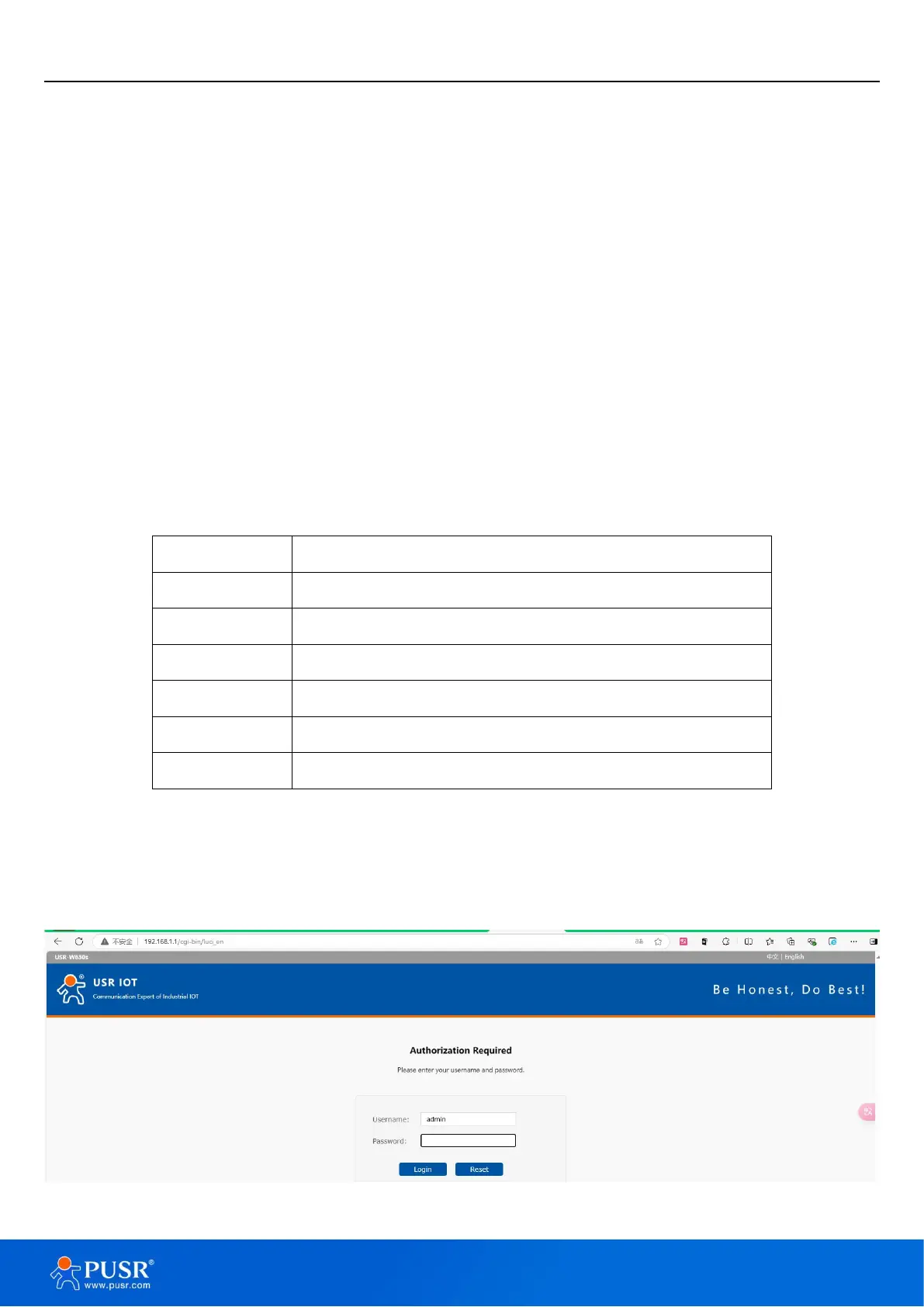
Open the browser, enter 192.168.1.1 in the URL blank, and press Enter, it will navigate to the following
webpage. After entering the login password, clicking login, the web page will show configuration page of USR-
W630s.
Figure 1. Login Page


 To Next Page