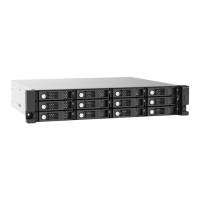
10. Wait for 30 seconds or until the JBOD enclosure beeps twice.
11. Go to Main Menu > Storage & Snapshots > Storage > Storage/Snapshots .
12. Locate the volume that contains the new drive and then verify that the status is Rebuilding.
Support and Other Resources
QNAP provides the following resources:
Resource URL
Documentation https://docs.qnap.com
Service Portal https://service.qnap.com
Downloads https://download.qnap.com
Community Forum https://forum.qnap.com
TL-R1200C-RP User Guide
Troubleshooting 26



 To Next Page
 Loading...