QOLSYS CONFIDENTIAL AND PROPRIETARY
PAGE OF 138 173
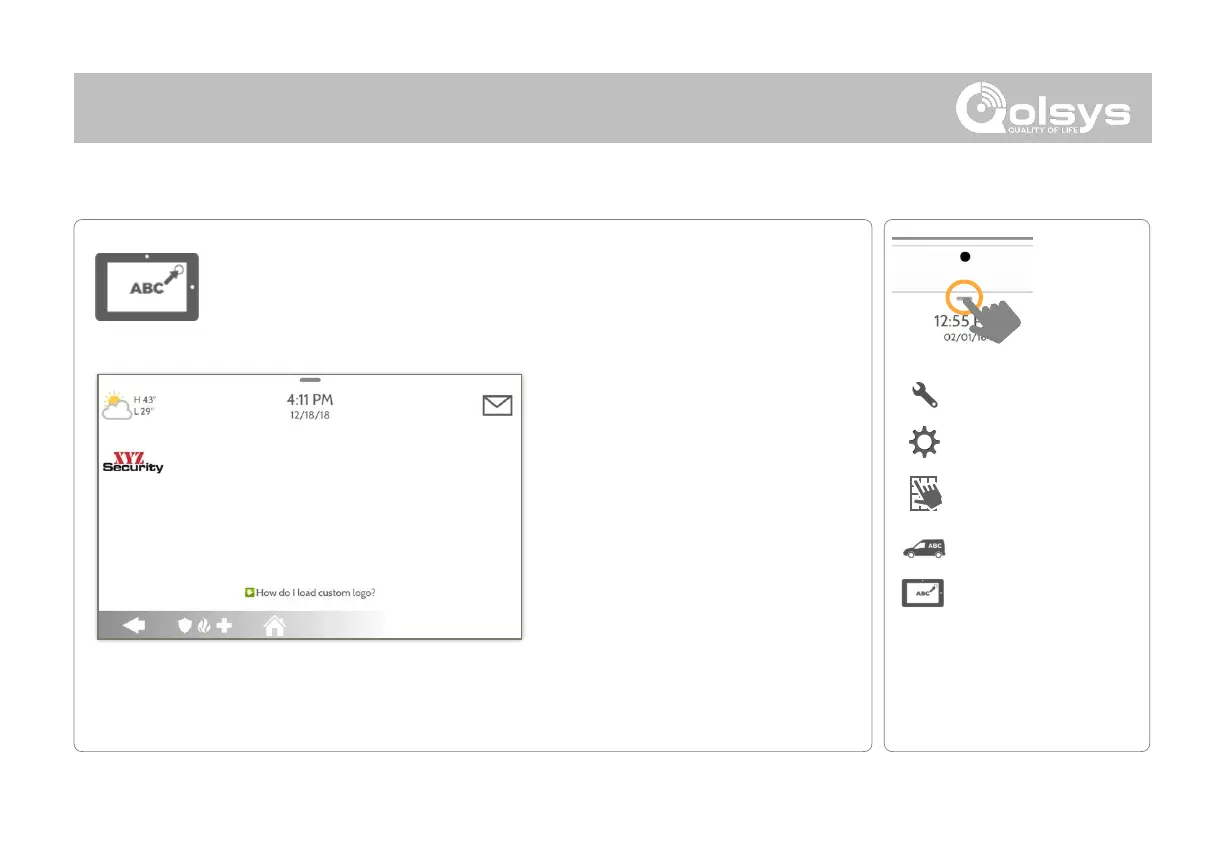
Load Custom Logo
Load a custom dealer logo on to the Panel via micro SD Card. This image
will replace the “envelope” icon in the upper right hand corner of the display.
*This page available only through the
Dealer Code
Logo requirements:
-
Saved in folder entitled “logo”
-
200 x 100 pixels (or less)
-
JPEG or PNG
Load Custom Logo Steps:
1. Load logo* onto an SD Card
2. Insert the SD Card into the panel
3. Go to the Dealer Branding section
on the panel
4. Touch “Load Custom Logo”
5. Touch the thumbnail of the logo
you wish to load
6. Touch OK
NOTE: Before removing the SD Card, go to “Settings” then
touch “SD Card” and select “Unmount”



 To Next Page