QOLSYS CONFIDENTIAL AND PROPRIETARY
PAGE OF 139 173
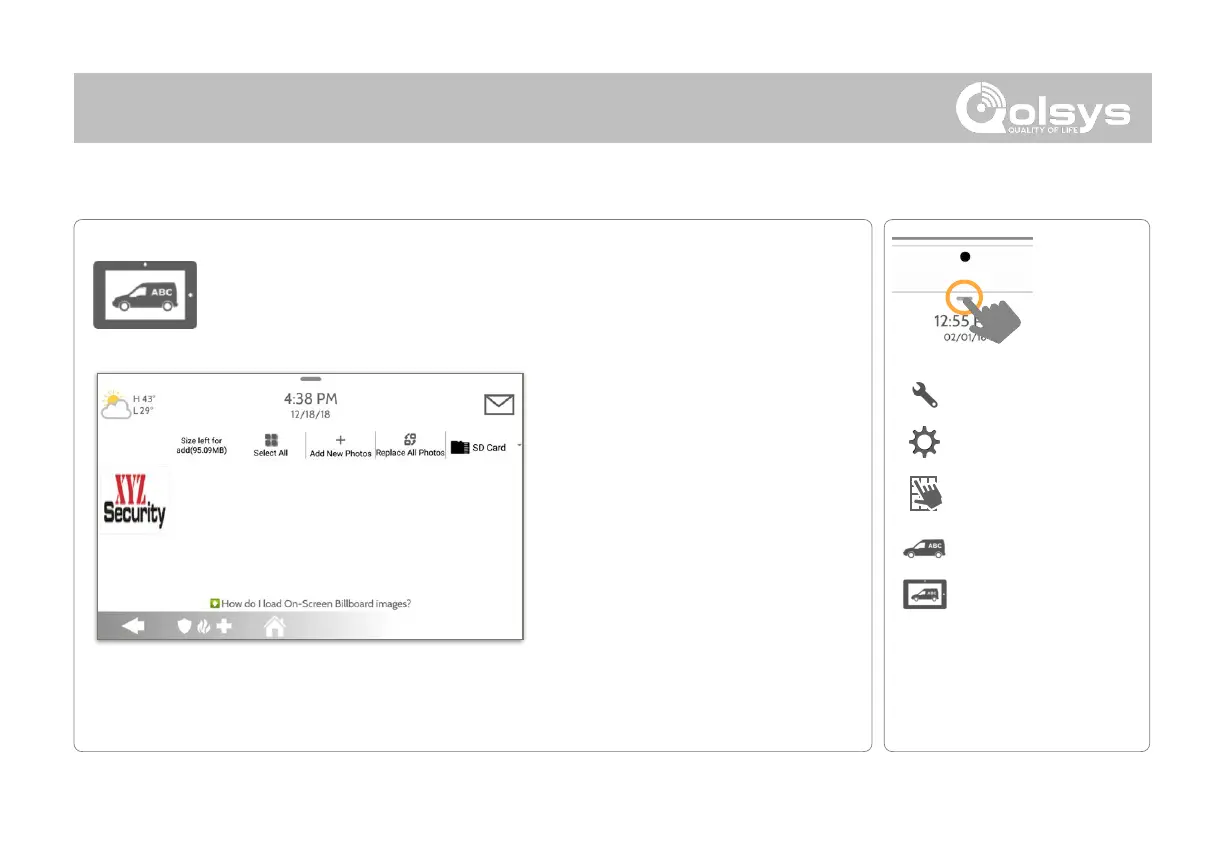
On-Screen Billboard
Load and lock up to 4 full-screen Dealer photos via micro SD Card as part of
the photo frame screensaver. Dealer photos cannot be deleted by an end
user.
*This page available only through the
Dealer Code
Photo requirements:
-
Saved in folder entitled “billboard”
-
1280 x 800 pixels (or less)
-
JPEG or PNG
Load On-Screen Billboard Photos:
1. Load photos* onto an SD Card
2. Insert the SD Card into the panel
3. Go to the Dealer Branding section
on the panel
4. Touch “On-Screen Billboard”
5. Touch the thumbnails of the photos
you wish to load
6. Then choose “Add New“ or
“Replace All”
NOTE: Before removing the SD Card, go to “Settings” then
touch “SD Card” and select “Unmount”



 To Next Page