QOLSYS CONFIDENTIAL AND PROPRIETARY
PAGE OF 140 173
*This page available only through the
Dealer Code
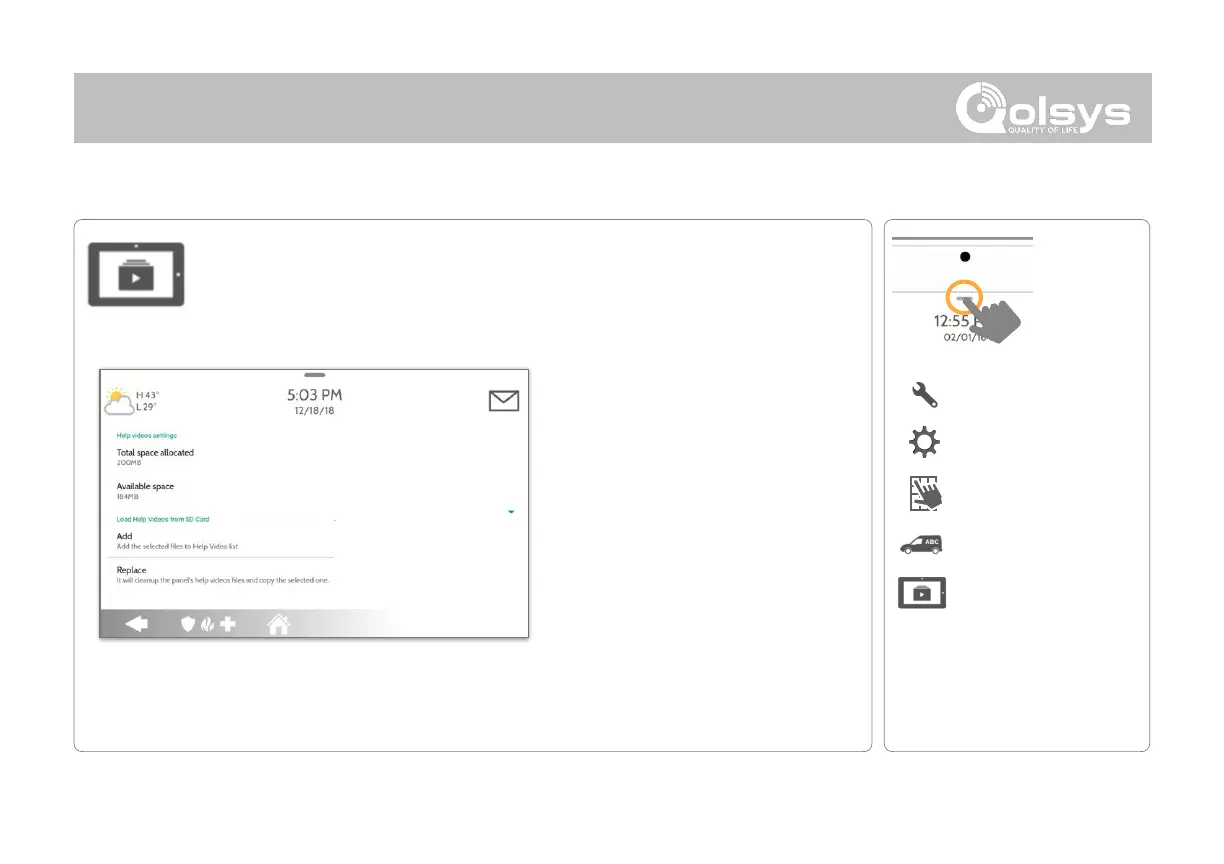
Load Help Videos
Upload custom help videos with an SD Card. Make your own troubleshooting
videos for your customers or use our built-in videos.
Load Help Videos:
1. Load videos* onto an SD Card
2. Insert the SD Card into the panel
3. Go to the Dealer Branding section
on the panel
4. Touch “Load Help Videos”
5. Then choose “Add“ or “Replace”
Video requirements:
-
Saved in folder entitled “videos”
-
Aspect ratio: 1280 x 800
-
File Type: .m4v
-
Total Storage Space: 200MB
NOTE: Before removing the SD Card, go to “Settings” then
touch “SD Card” and select “Unmount”



 To Next Page