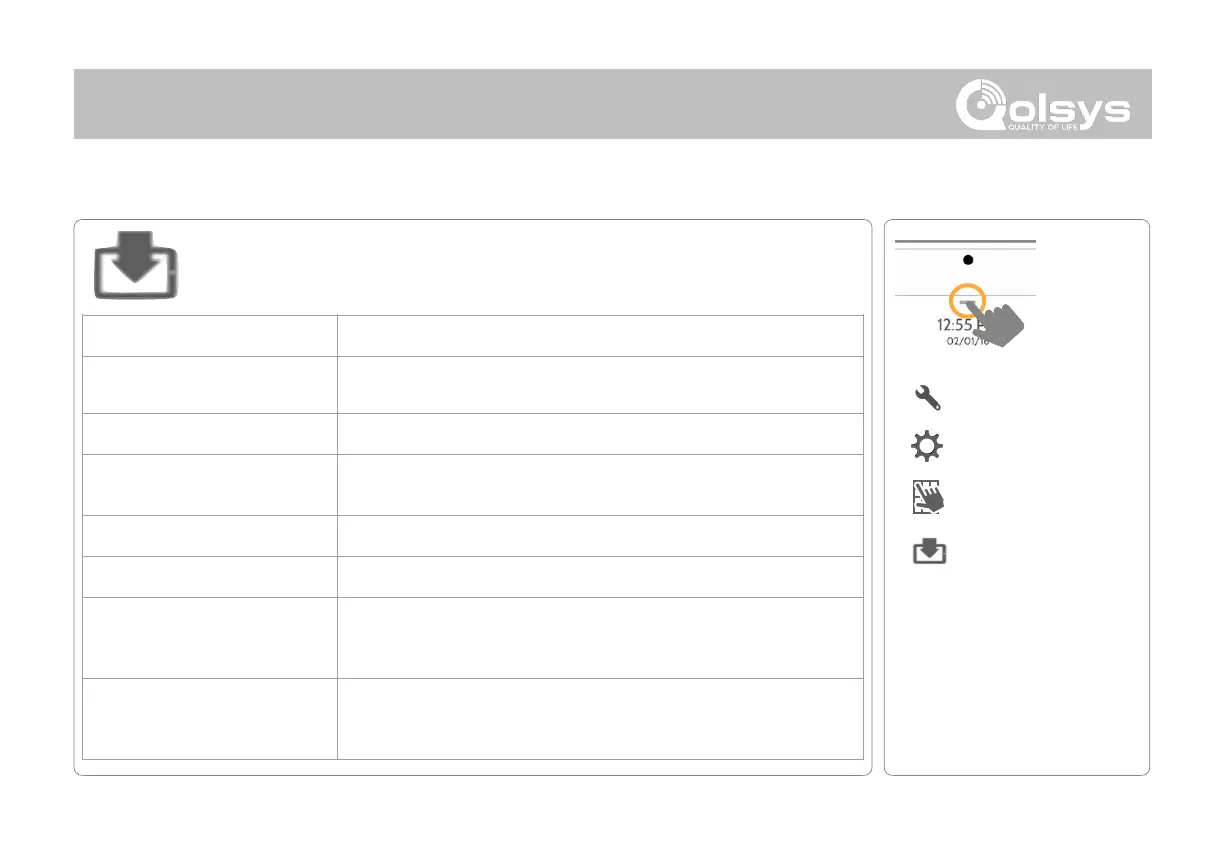
Upgrade Software
Upgrade the panel’s software version using Wifi or an SD Card.
Search the network for updates and install new software
NOTE: For EN Grade 2, remote software uploading is not allowed
Search an inserted SD Card for updates and install new software
Update Configuration Using SD
Card
Search SD Card for settings configuration template and update panel
settings using it
With the proper Patch Tag the system can be properly downgraded
A code corresponding to a specific software update on the server
Automatic Background Check and
Download
Allows the panel to check for new software in the background and
download it to local storage so that it can be applied at a later date. Default
Enabled
Determines interval the IQ Panel 2 will look for software update. Available
options are Every Night, Once a Week, Once a Month. Default Once a
Week
NOTE: Proper maintenance requires prompt administration of any software updates



 To Next Page