DO NOT remove all power without following the steps below. In the event of needing to
move the panel from one location to another it is safe to unplug the power supply while
leaving the battery plugged in.
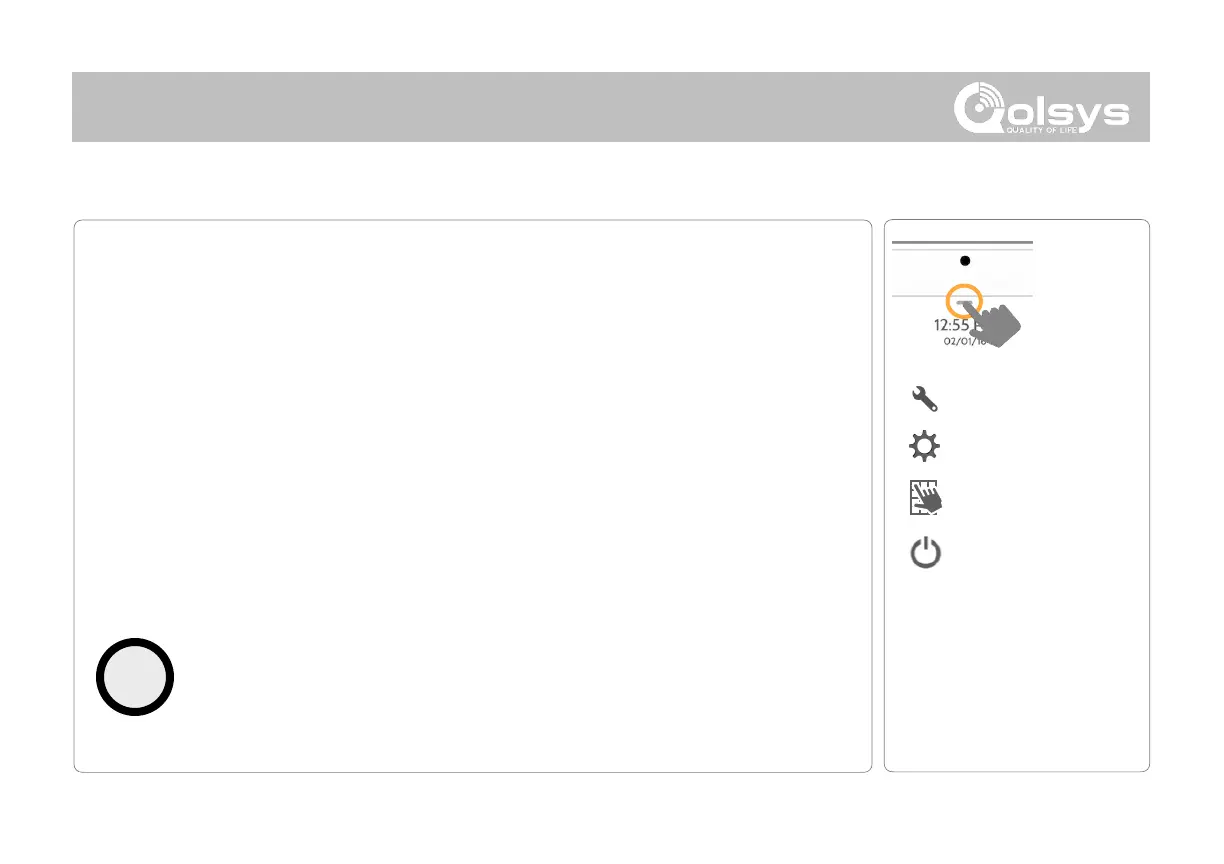
1. From the drop down menu select “Settings”.
2. Select “Advanced Settings” then enter your installer code
3. Select “Power Down”
4. Wait for panel LED to turn off
5. Disconnect the power
IMPORTANT: Failure to perform these
steps in the proper sequence may result in
data corruption and/or panel failure.



 To Next Page