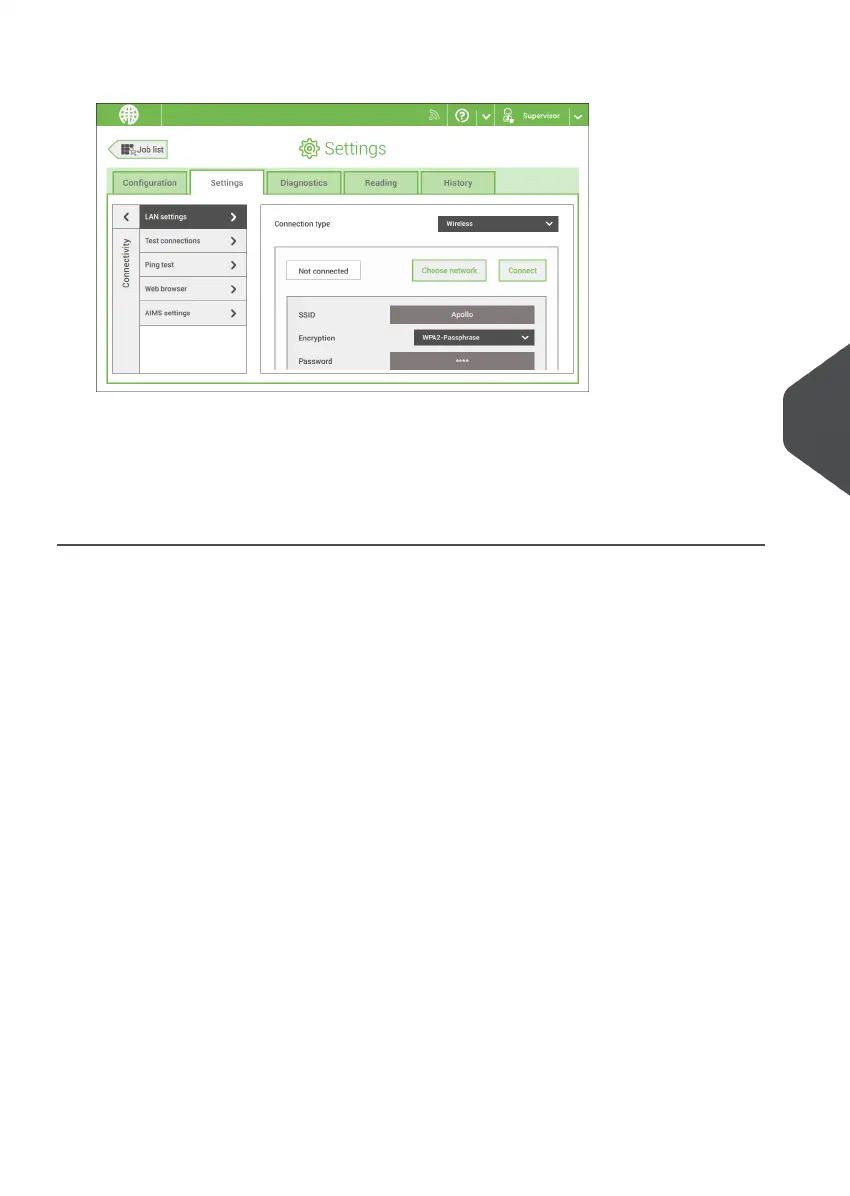
4. Select Wireless from the Connection type pulldown menu.
5. Choose if you want to enter the SSID manually or if you want to search for a wireless
network. If you want to search for a network, tap [Choose network].
6. When you have entered the network details or selected a network from the search,
tap [Connect] to connect to the network.
When the system connected successfully to the network, the screen shows Connected.
7
English
97
| Page 97 | Nov-25-2020 04:16 | Connect the System to the Internet



 To Next Page