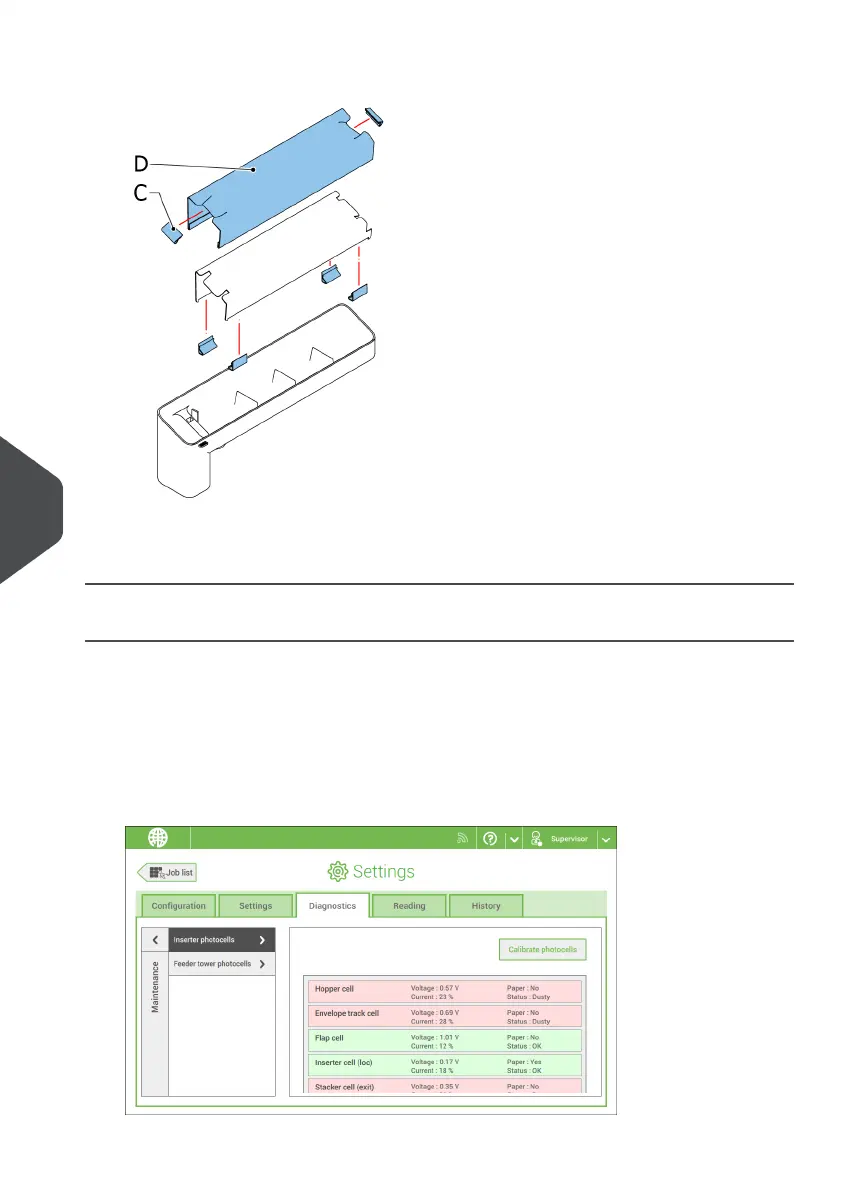
3. Remove the cover with moistening cloth D.
4. Remove clips C to remove the moistening cloth.
5. Clean or replace the cloth.
Calibrate Photocells
When too much paper dust is built up at the sensors, a warning message is displayed. In
that case, calibrate the photocells as follows:
Log in as supervisor.1.
2. In the settings menu, tap the [Diagnostics] tab.
3. Tap [Maintenance].
122
| Page 122 | Nov-25-2020 04:16 | Operator Maintenance
9
English



 To Next Page