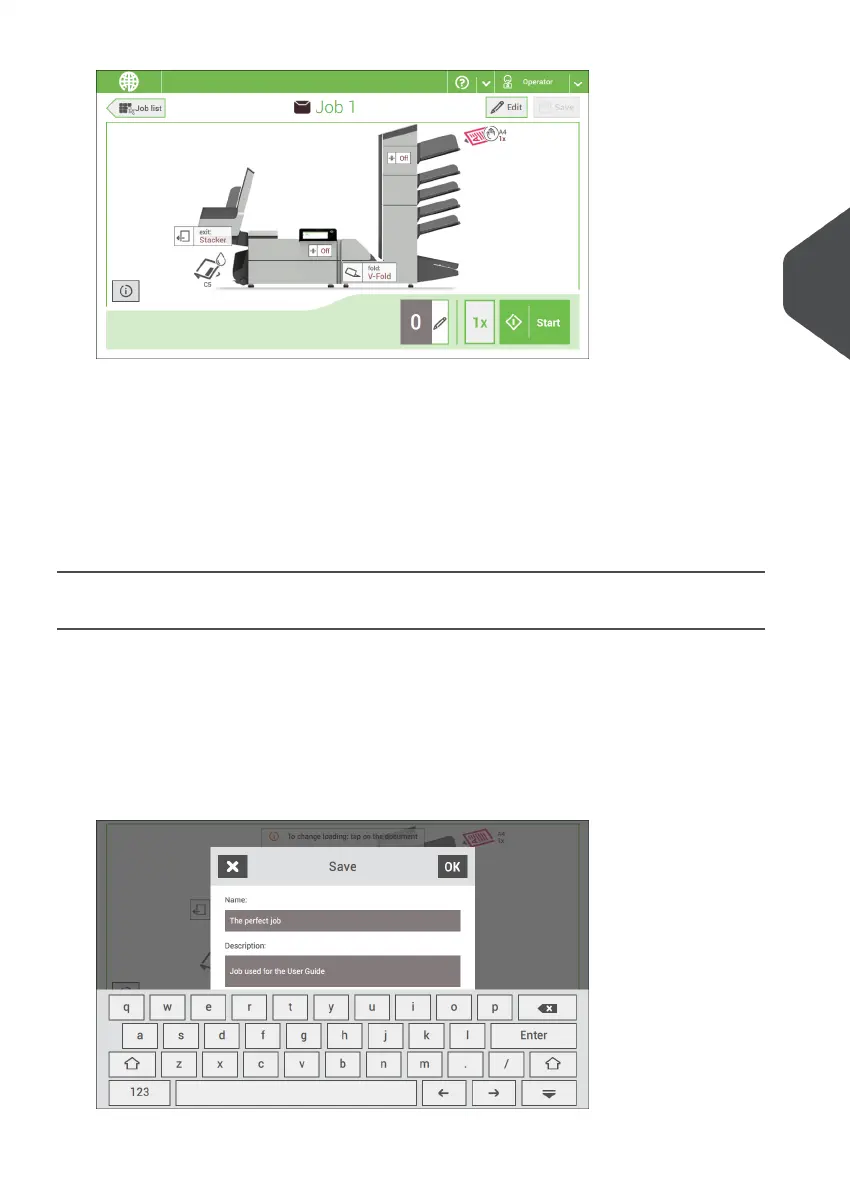
2. Tap [Edit].
When you tap [Edit], you enter the guided job flow that enables you to make the
desired changes.
3. Make the changes you want to make. When you completed the job programming,
tap [Save] to save the changes.
4. Tap [1x] to make sure that the Insert Position and Address Position are correct
(see Verifying the Insert Position and Adjusting the Address Position).
Save a Job
When you have created a new job or edited a job, save the job as follows:
After you have completed the job definition, tap [Save].1.
2. Enter the job name.
3. If necessary, add a description to the job. The description is visible in the job list.
4
English
49
| Page 49 | Nov-25-2020 04:16 | Working with Jobs



 To Next Page