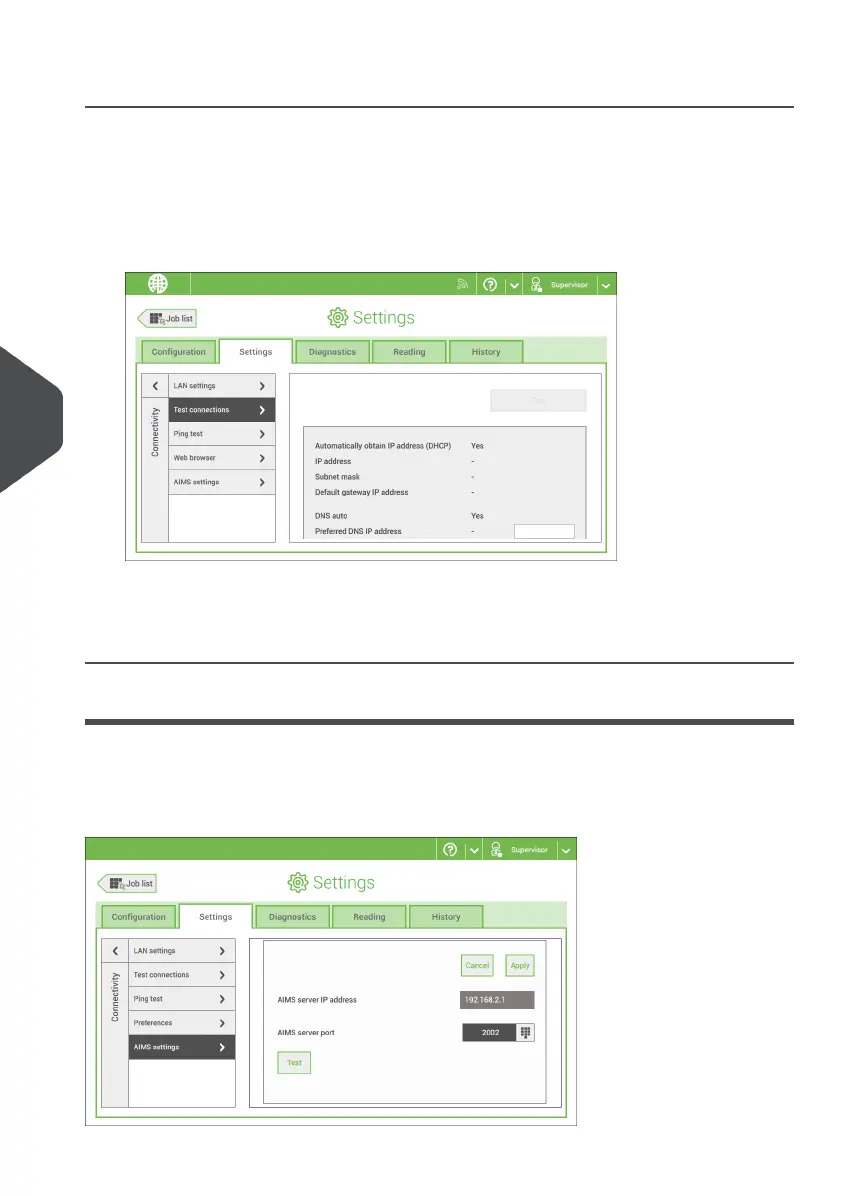
Test the Connection
When you have connected to a network, test the connection as follows:
Open the supervisor settings menu.1.
2. Tap the Settings tab, [Connectivity].
3. Tap [Test connections].
4. Tap the [Test] button.
The system tests the IP addresses that are defined at the LAN settings. If the result is 'Not
OK', make sure that the settings are correctly defined.
AIMS settings
When operating with AIMS Verification, the server address and port can be configured and
the connection to the AIMS server can be tested.
Contact your local distributor for more information about the AIMS option.
98
| Page 98 | Nov-25-2020 04:16 | Connect the System to the Internet
7
English



 To Next Page