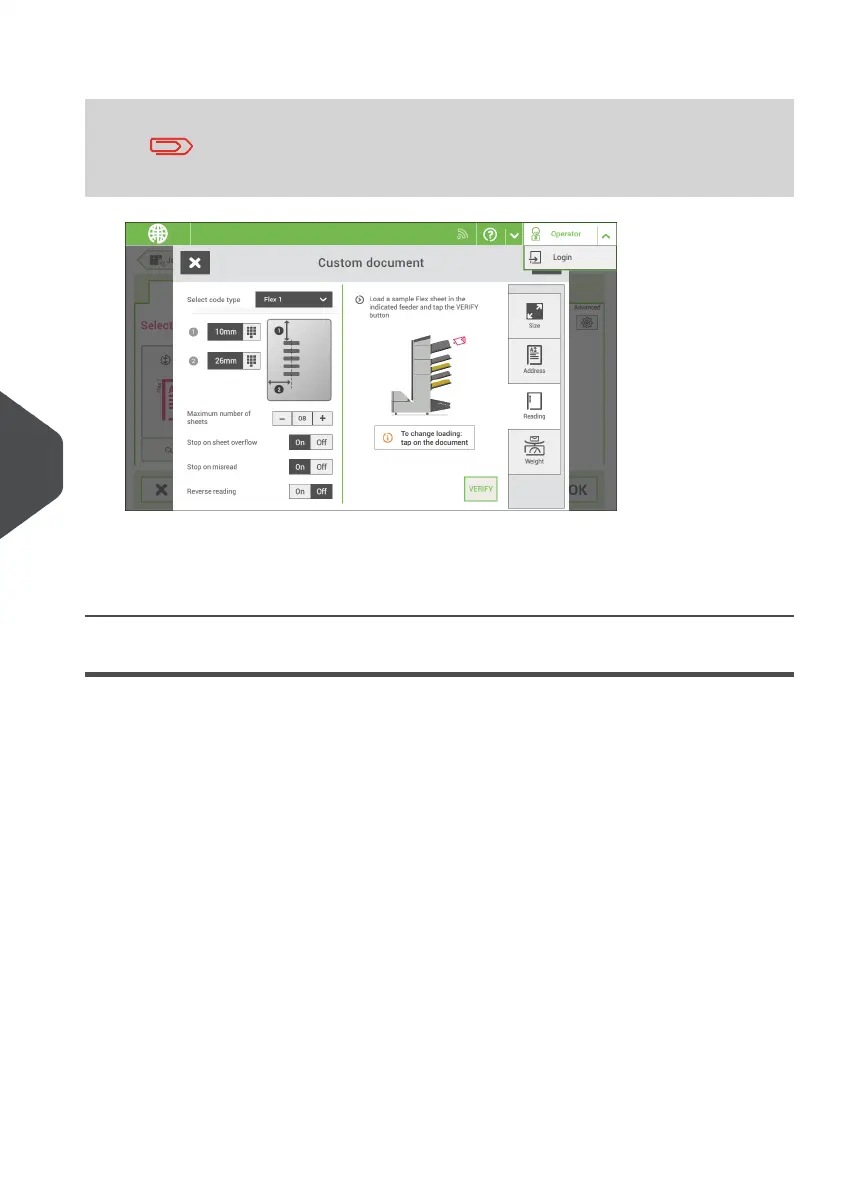
8. Select the code type [Flex ..].
Depending on the flex code type the OMR or BCR settings have
to be configured.
9. Follow the remaining steps to complete the job.
If required the maximum number of sheets can be reconfigured. Refer to Reading
Settings for more details on how to change these settings.
Reading Settings
When you create a reading job for OMR, BCR 1D/2D or Flex reading, the following options
can be set:
116
| Page 116 | Nov-25-2020 04:16 | Reading
8
English



 To Next Page