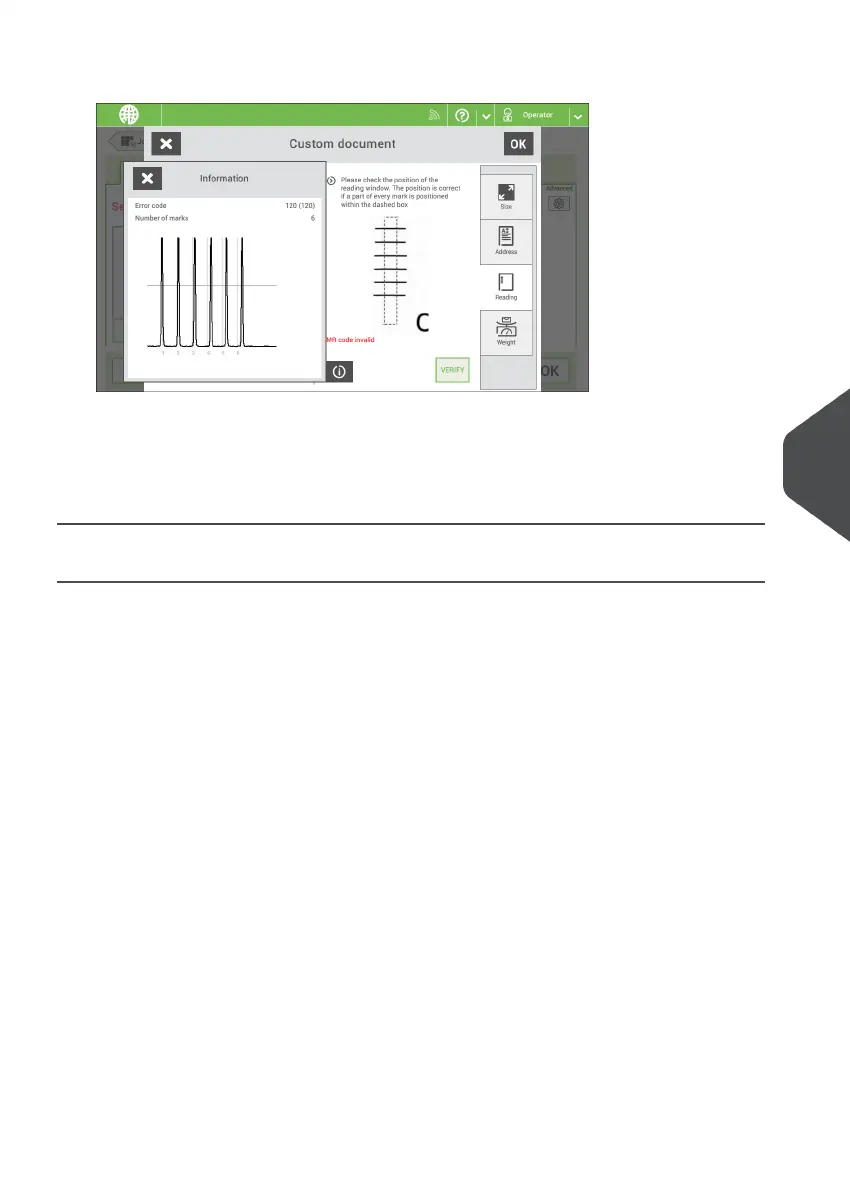
13. Tap the information button to verify the read OMR marks.
14. Tap [OK] and follow the remaining steps to complete the job.
15. When you completed the job creation, tap [Save] to save job.
If required the maximum number of sheets can be reconfigured. Refer to Reading
Settings for more details on how to change these settings.
Create a Flex Reading Job
To create a job with Flex reading:
From the Job list menu, tap [New job].1.
2. Choose [Manual] to define the job settings.
3. Select an envelope.
4. Tap [Main document].
5. Tap [Custom].
6. Enter the document size or select a standard type.
7. Tap the [Reading] tab.
8
English
115
| Page 115 | Nov-25-2020 04:16 | Reading



 To Next Page