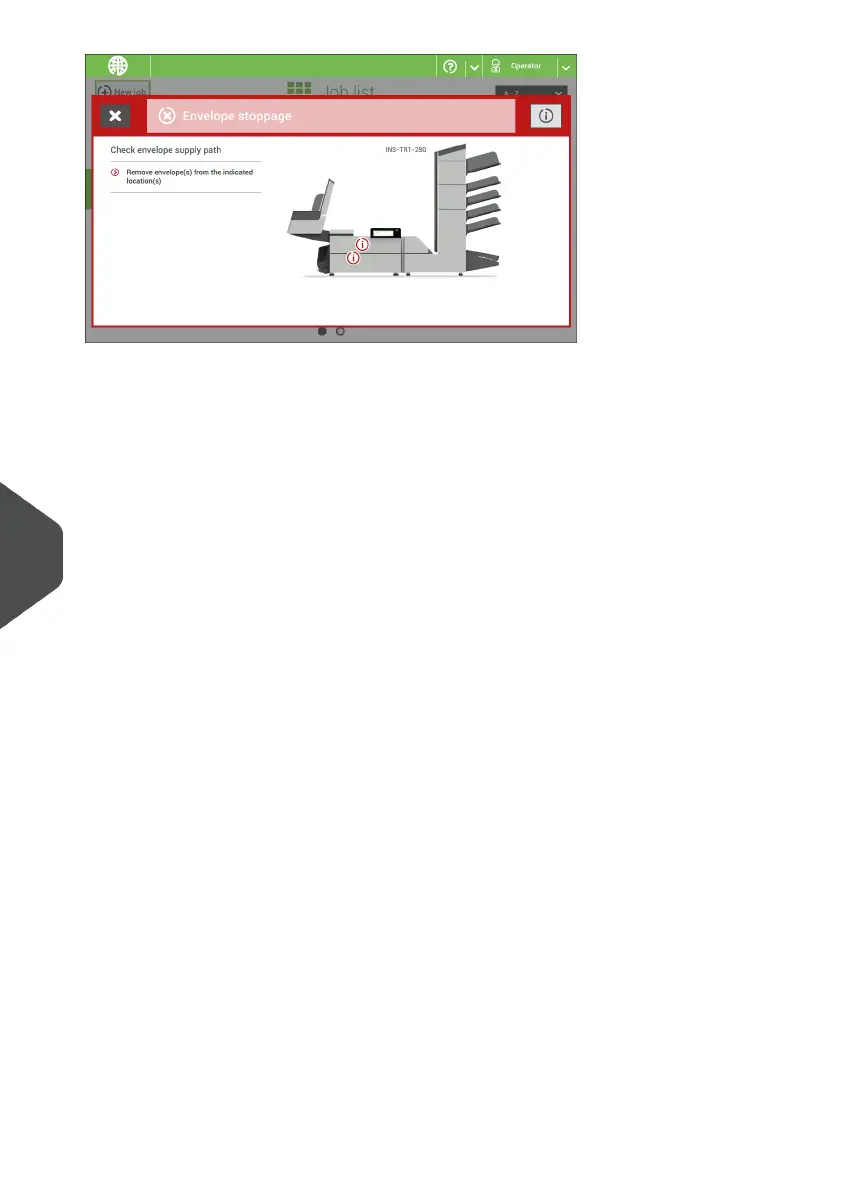
When an error occurs the touch screen shows a screen with the following information:
• An indication of the area in which the error occurred
• An error description
• A suggested solution behind the arrow
• An event message number; use this number in case that you call support
Tap the [i] buttons to view more information about the occurred error and about the possible
actions to avoid the error from re-occurring.
After solving the problem, tap [x] to reset the error (the error screen will disappear).
Special Errors
• Reading errors (when reading is enabled)
The document set is diverted. The operator must remove the document set and has
to complete the set manually!
• Technical errors
The display shows a message. The error cannot be solved by operating personnel
and assistance of the service support is needed.
126
| Page 126 | Nov-25-2020 04:16 | Fault Finding
10
English



 To Next Page