3. Remove the envelope(s) from the lower envelope track.
If needed, envelopes can be transported manually to the insert
table or lower envelope track by means of handle C. To transport
a mail set manually turn handle B.
4. Close the side cover.
5. Tap [x] to reset the error and restart the job.
Folder unit
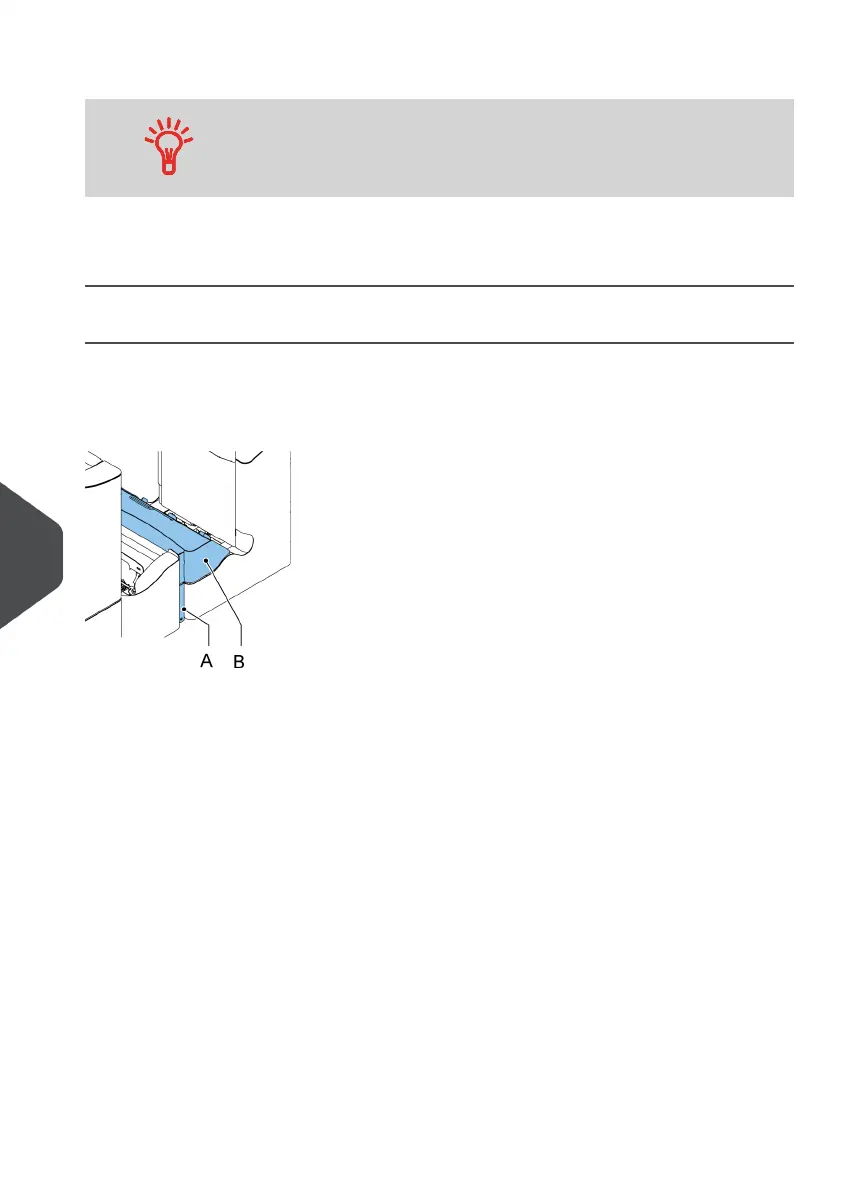
When a stoppage occurs in the Folder unit, remove the documents from the Folder unit as
follows:
Push the lower end of the locking handle A to open the Folder unit cover B.1.
130
| Page 130 | Nov-25-2020 04:16 | Fault Finding
10
English



 To Next Page