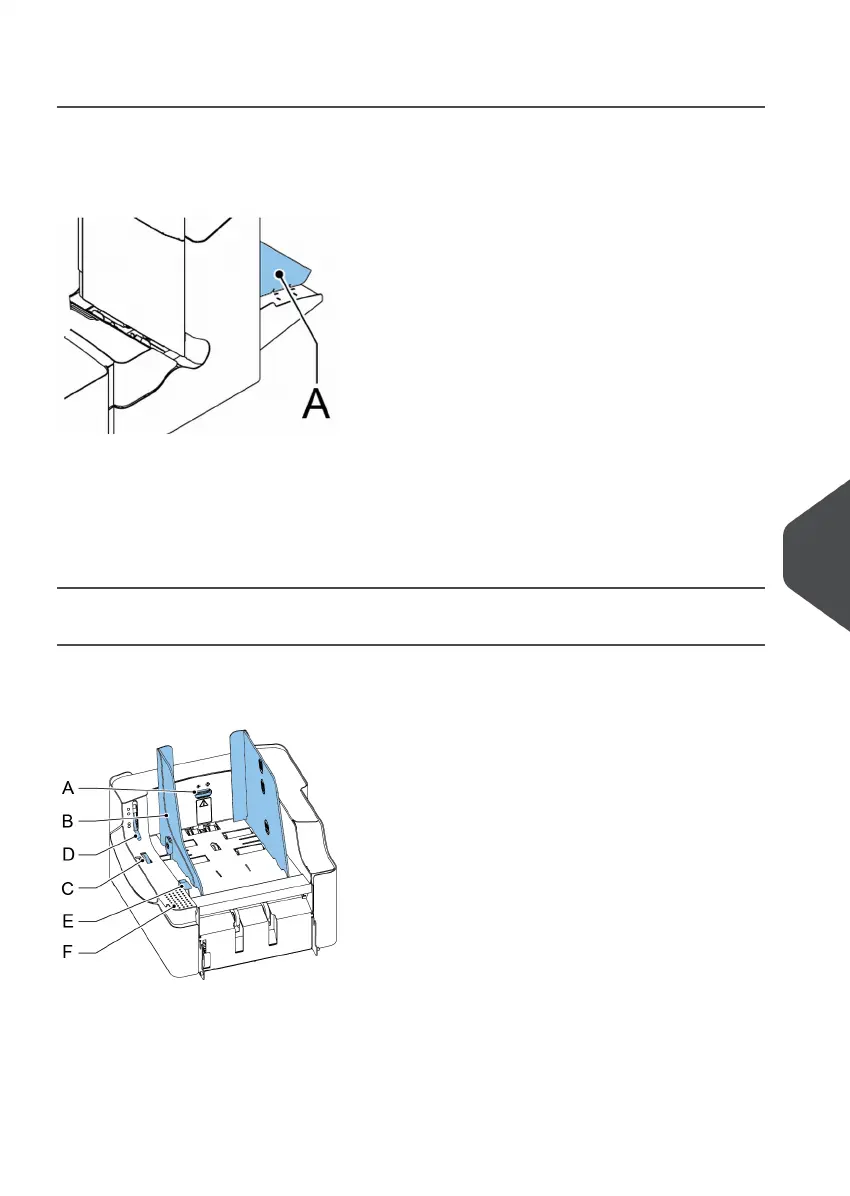
Collating Area
When a stoppage occurs in the collating area, remove the documents from the collating
area as follows:
Lift and hold the collator arm A.1.
2. Remove the documents.
3. Lower the collator arm.
4. Tap [x] to reset the error and restart the job.
versaFeeder
When a document is blocked in the separation unit the document can be removed as
follows:
Open the separation by placing the release handle D in the upper position.1.
10
English
133
| Page 133 | Nov-25-2020 04:16 | Fault Finding



 To Next Page