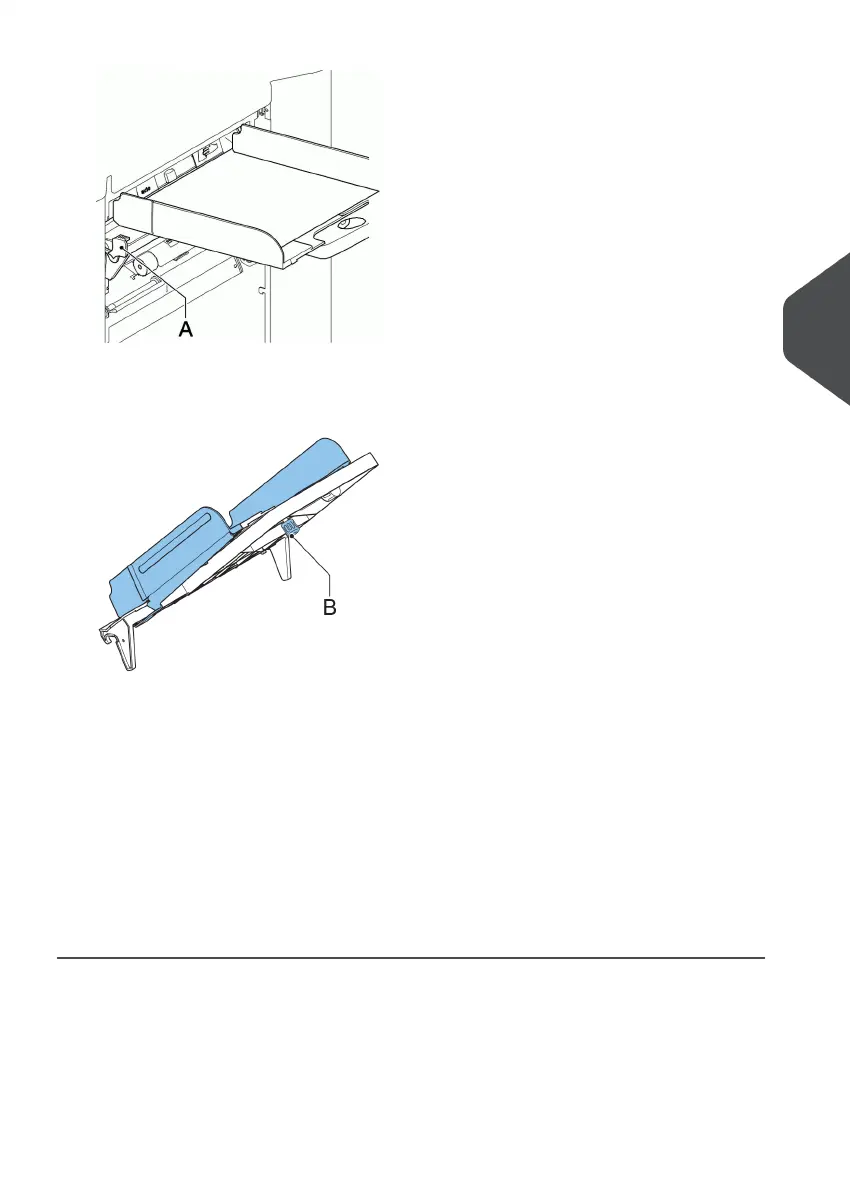
2. Lift the document feeder tray upwards to unhook it and then pull it out from the feeder.
3. Loosen the knob B half a turn.
4. Grab the side guides in the middle and push them apart as far as possible.
5. Put a small stack of documents between the side guides.
6. Grab the side guides in the middle and push them towards the documents.
The space between the side guides and the documents should be such that the
documents have just enough play to move freely.
7. Re-tighten knob B.
8. Remove the stack of documents.
9. Replace the document feeder tray (see Installing the Document Feeder Trays on page
55).
5
English
57
| Page 57 | Nov-25-2020 04:16 | Loading the System



 To Next Page