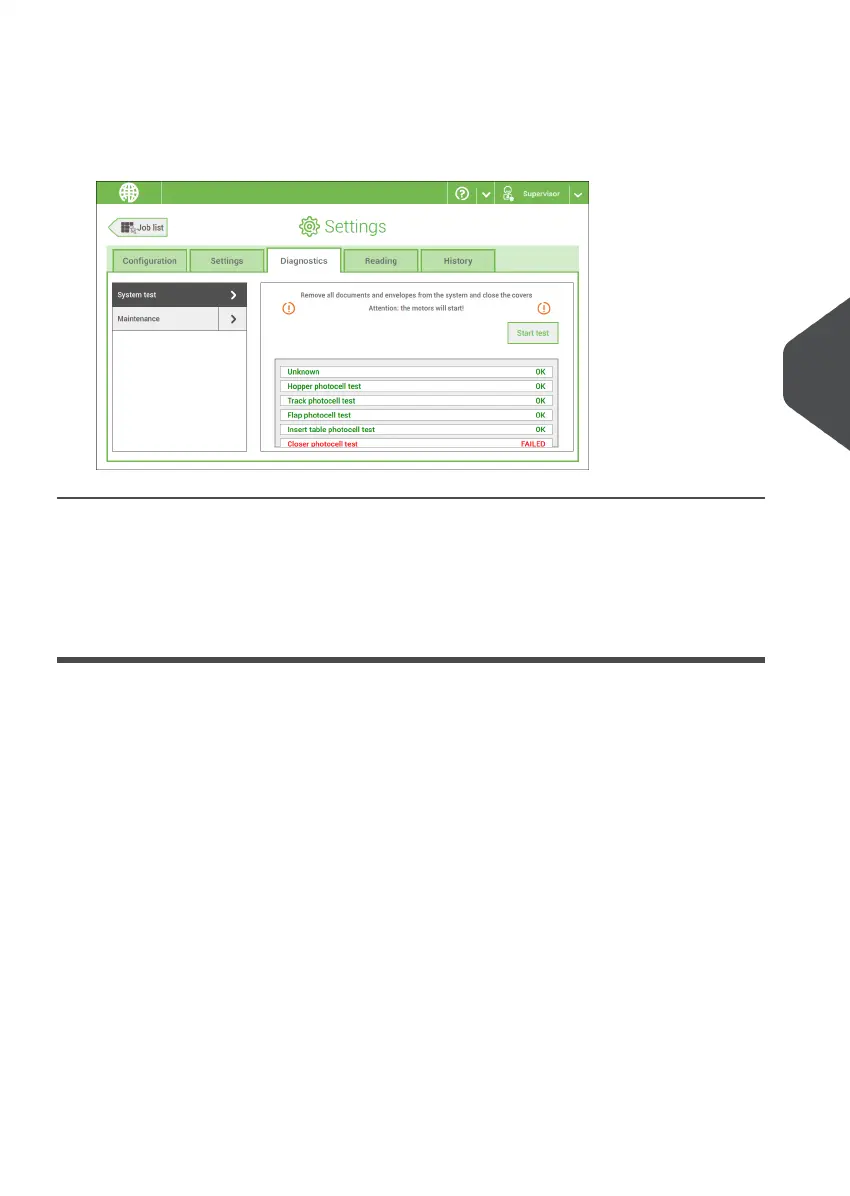
3. Remove all documents and envelopes and close all covers before starting the diagnose.
4. Tap [Start test].
5. When the test is finished, the Status report is shown, showing a list of all problems
found during diagnostics. If tests fail, contact your service organization.
Maintenance
When too much paper dust is built up at the sensors a warning message will be displayed.
To check the conditions of the photocells or to calibrate them follow the instructions as
described in Calibrate photocells.
Reading
Reading
The reading menu contains the configuration items for the reading functions. Because
reading is optional, this menu is only available when there is at least one reading license
present. For more information on the reading option, see Reading.
6
English
89
| Page 89 | Nov-25-2020 04:16 | Settings menu



 To Next Page