History
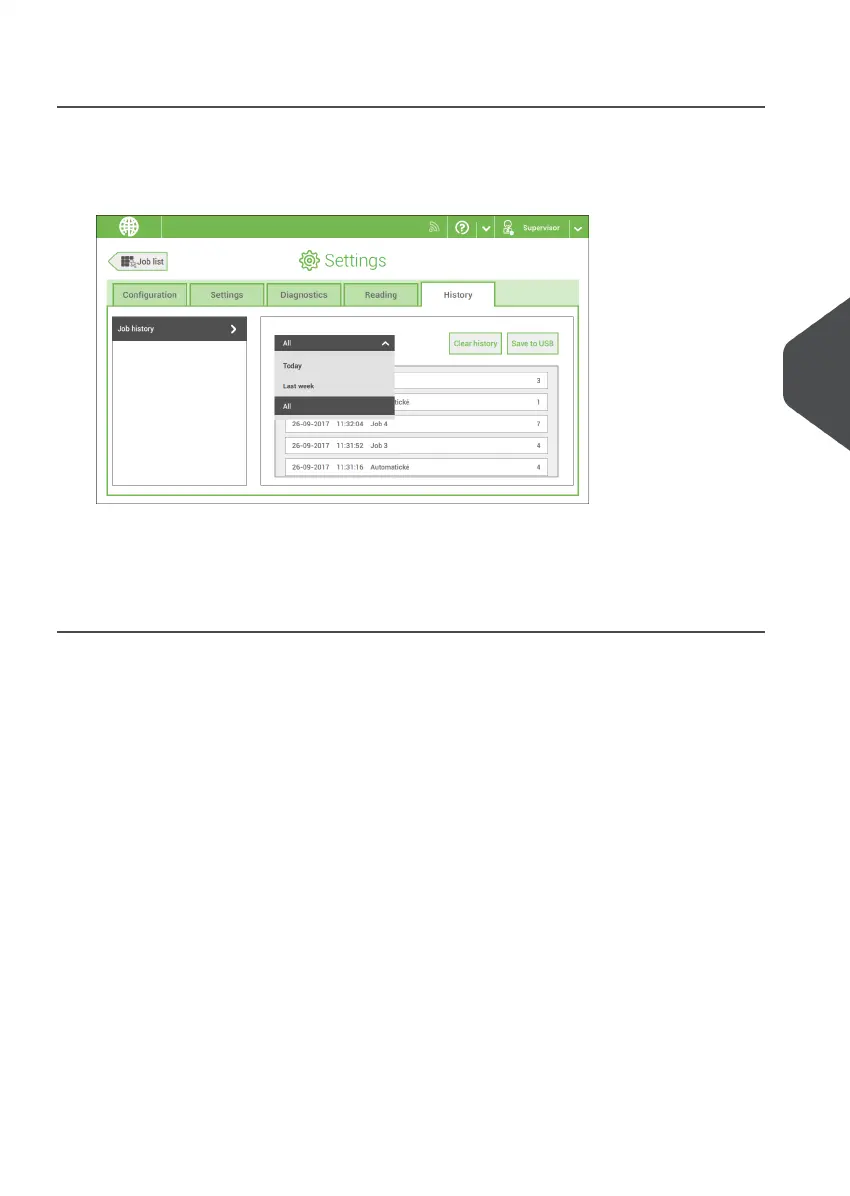
The History screen shows an overview of the jobs run.
Tap on the [History] tab to view the Job history.1.
2. Tap on the [Today] pull down button if you want to view the jobs that are run 'Today',
'Last week' or 'All'.
The history is displayed on the touch screen. With [Save to USB], you save the history in
CSV format to a USB drive.
6
English
93
| Page 93 | Nov-25-2020 04:16 | Settings menu



 To Next Page