980 User Guide Rev. B29
Page 127 August 5, 2011
8. (optional) Specify the Data Island Match for advanced triggering and pre-capture filtering. Refer to the Panel
Descriptions section in Chapter 2: Overview of the 980 Manager GUI.
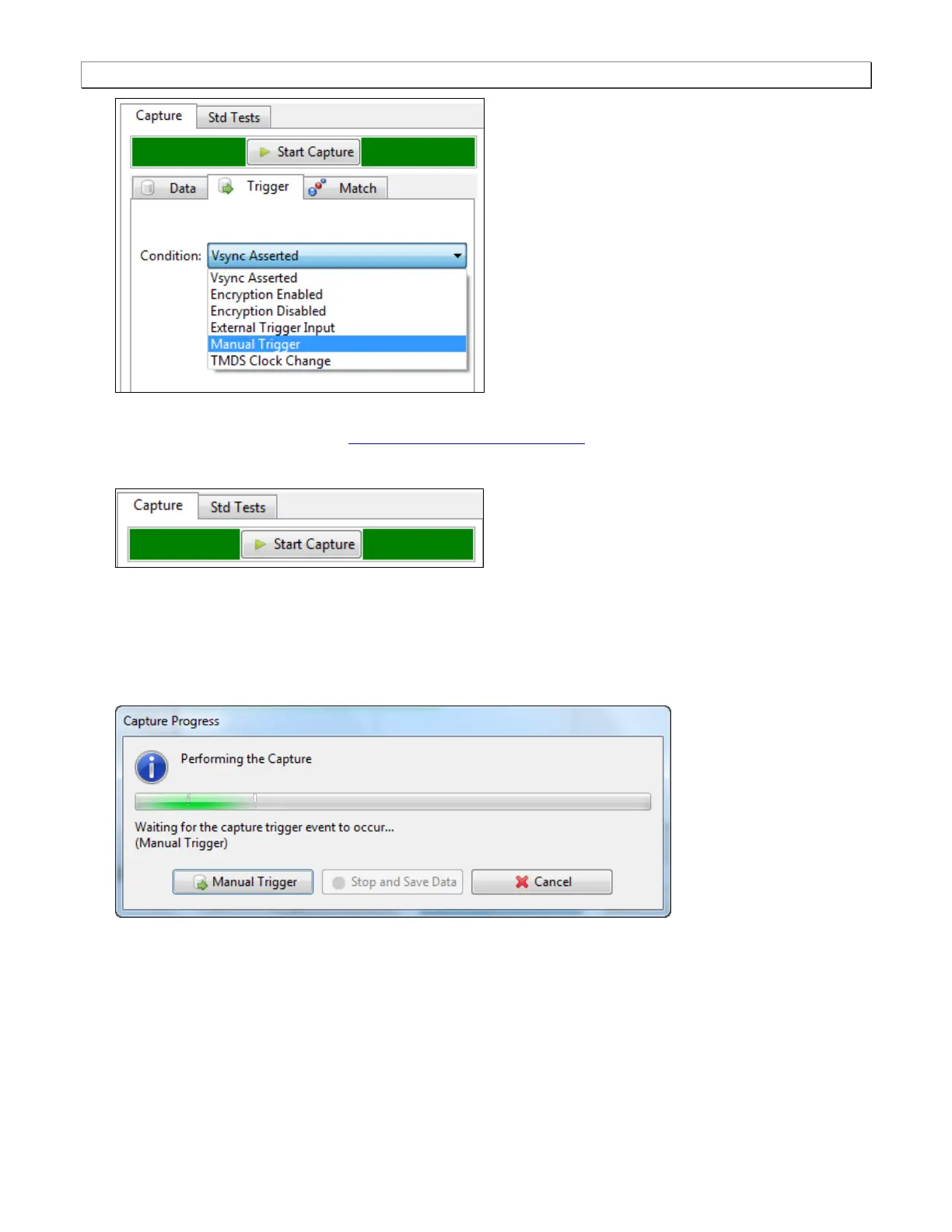
9. Click on the Execute Capture button.
The 980 Protocol Analyzer will capture the data. A series of dialog boxes will appear showing the capturing in
progress (one example shown below).
Note: If there is some action that needs to be taken by a user in order to cause the trigger condition occur, the
capture dialog box will stating ―Waiting for capture trigger to occur…‖ This is shown in the following screen
shot.



 To Next Page