980 User Guide Rev. B29
Page 141 August 5, 2011
6.12.2 Filtering the data in the Data Decode panel
The procedures below describe how to filter the data in the Data Decode panel. You use the panel on the right that
is adjacent to the Data Decode panel to apply filtering on the data displayed on the Data Decode panel.
To apply filters to the data:
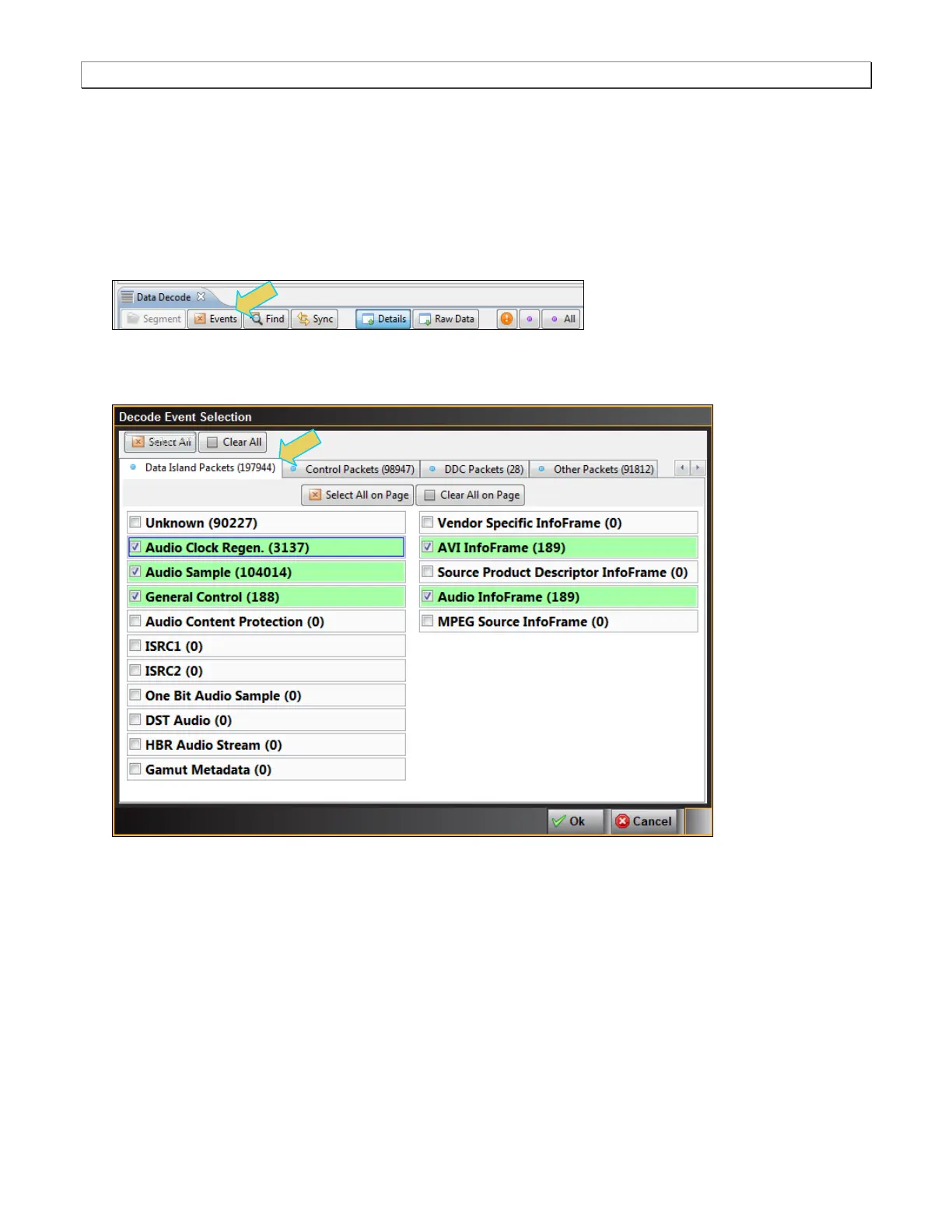
1. From the Data Decode panel, select the Events activation button to access the Decode Event Selection
dialog box
The Decode Event Selection dialog box is shown below.
In the example below, only some of the data islands are selected.



 To Next Page