980 User Guide Rev. B29
Page 142 August 5, 2011
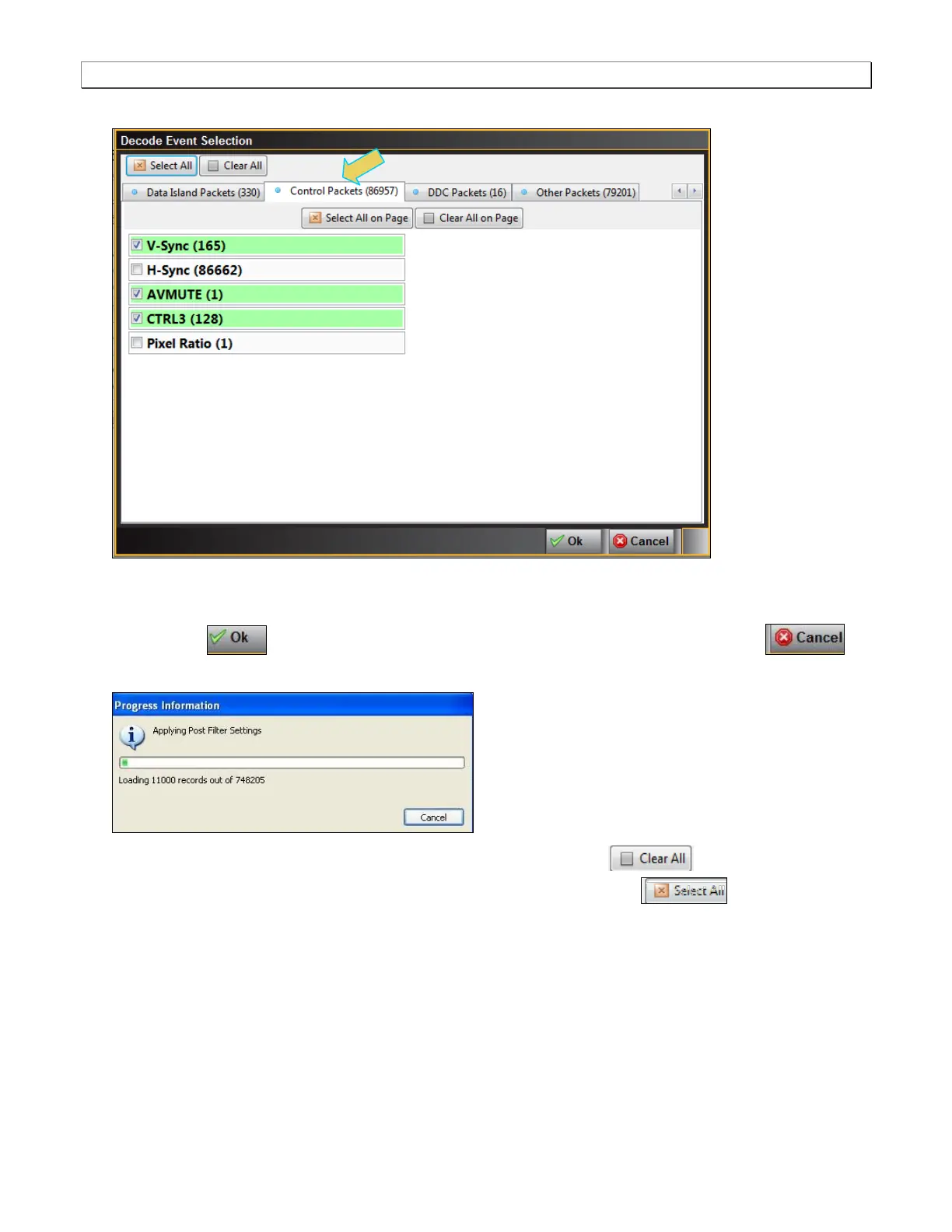
The following is a screen example of the Control Packets page.
2. Select the data items you want to appear in the Data Decode panel. The filtering you apply in this series of
dialog boxes also applies to the Event Plot panel.
3. Click the OK button on the bottom right to set your selections or click on the Cancel
button to exit without saving the changes.
Note that you can clear all the selections on all pages with the Clear All activation button on the
top left. Alternatively you can select all items on all pages with the Select All activation button.
You can also apply the same Select and Clear operations to each tab of the Decode Event Selection dialog
box.



 To Next Page