980 User Guide Rev. B29
Page 146 August 5, 2011
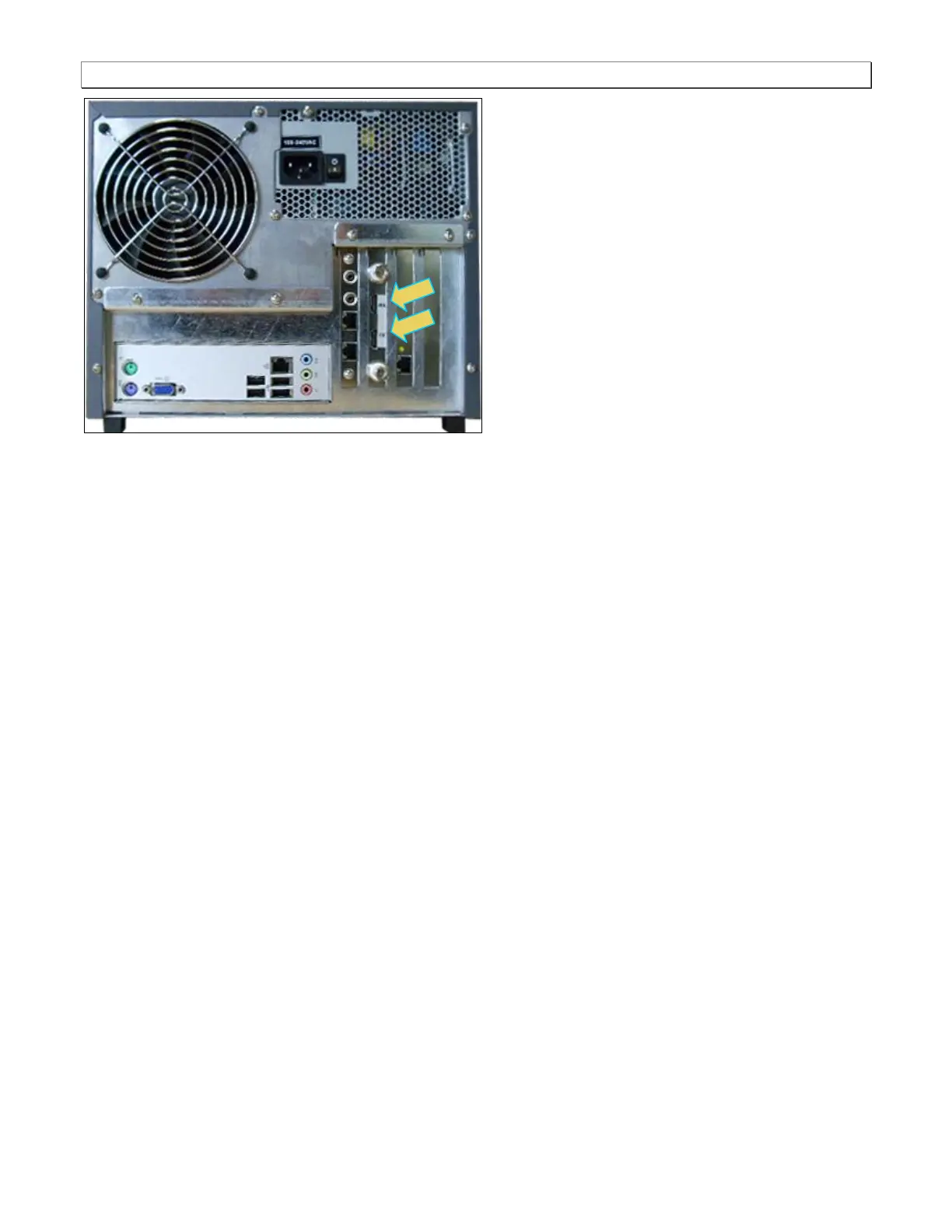
3. Power up the 980 Protocol Analyzer using the power rocker switch on the back. Then press the power on
button on the front panel.
6.13.1 Configuring the 980 with an EDID
When in Pass-Through mode, the EDID of the far end display is passed through to the source device under test.
HDCP authentication is achieved directly with the far end display. The 980 does not act as an HDCP repeater.
6.13.2 Setting the Configuration of the Link Mode
Prior to a capturing or viewing video you will need to set the Link Mode to Pass-Through. When using the
Pass-Through mode configuration you will connect an HDMI display device to the HDMI Tx port.
To set the configuration of the link mode:
1. Ensure that you are sending video from your source device under test.
2. Select the Mode item from the Instrument pull-down menu on the built-in front panel as shown below.



 To Next Page