980 User Guide Rev. B29
Page 147 August 5, 2011
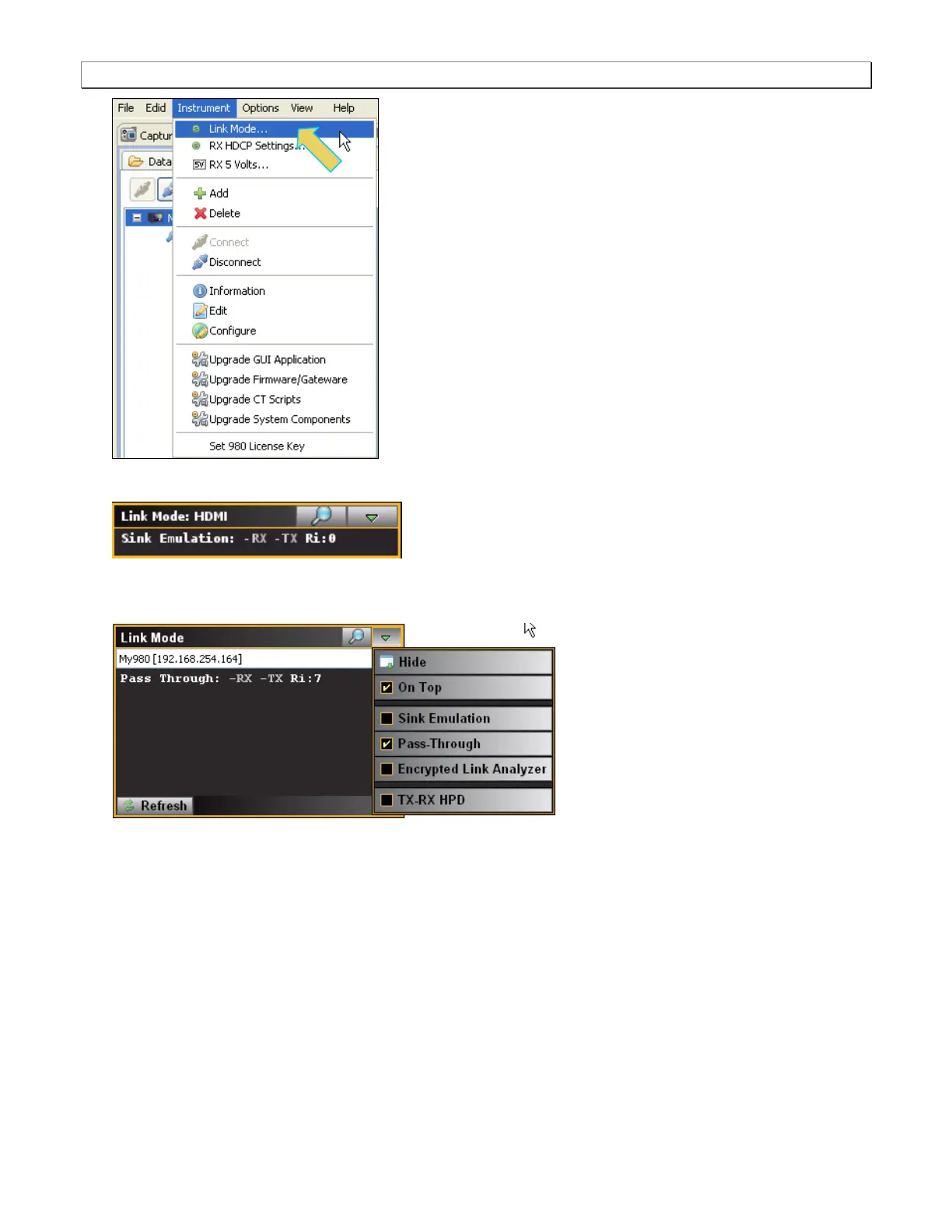
The mode dialog box appears as shown below.
1. Select the Pass-Through Link Mode item from the pull-down menu on the built-in front panel as shown
below.
A pop out menu will appear enabling you to select the Pass-Through mode using the check boxes provided:
Checking the TX-RX HPD checkbox will replicate the hot plug signal from the TX side (an attached sink
device) on the RX side (like a hot plug repeater).



 To Next Page