980 User Guide Rev. B29
Page 26 August 5, 2011
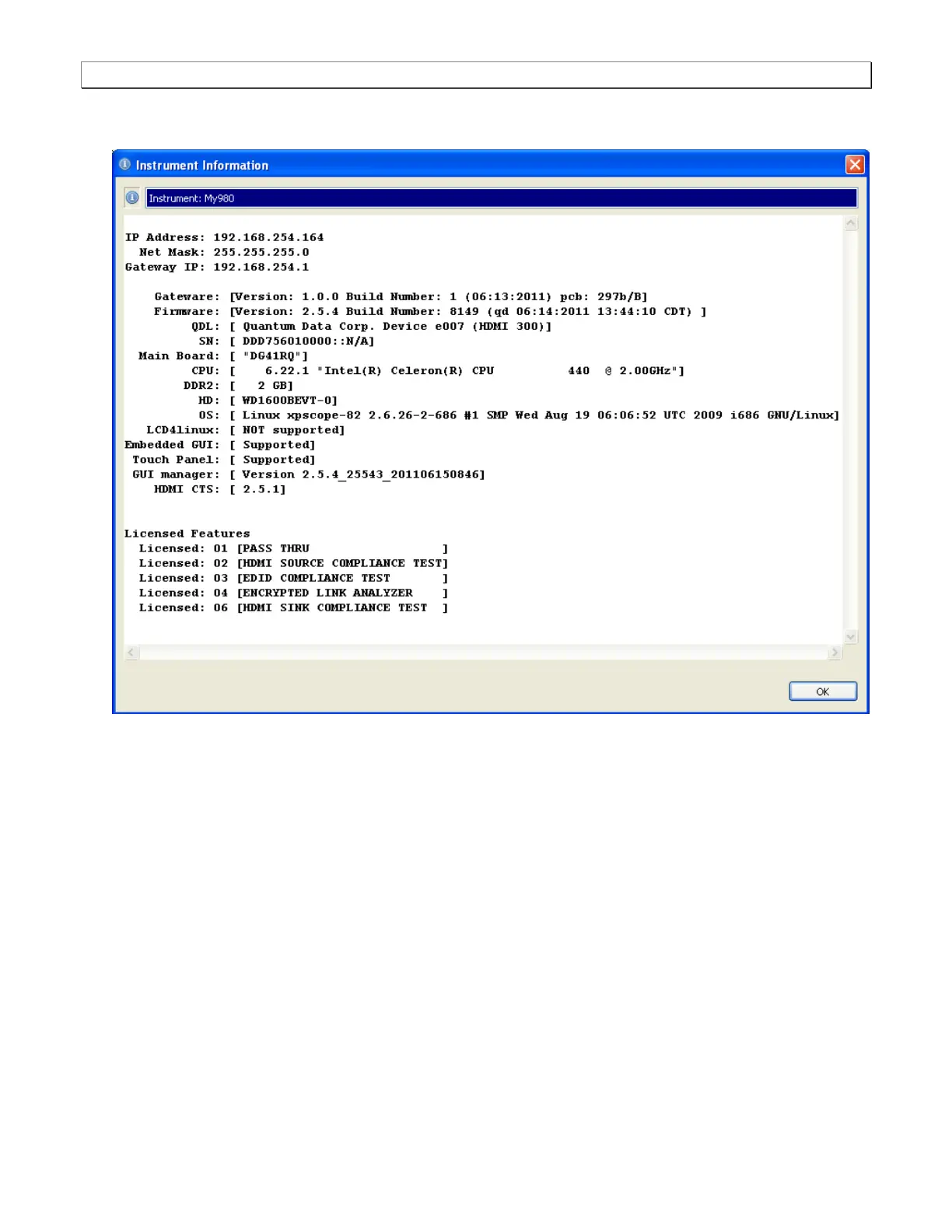
The information is then displayed in a separate window. The information on the Instrument Information
window will be helpful if you call Quantum Data customer support during an upgrade process.
2.9.4 Establishing a physical HDMI connection from the HDMI device under test to the 980
Use the following procedures to connect your HDMI source device to the 980 Protocol Analyzer.
1. Connect the HDMI-to-HDMI cable provided from your HDMI source device under test to the topmost HDMI
connector on the back of the 980 Protocol Analyzer (labeled Rx). Refer to the picture below.



 To Next Page