980 User Guide Rev. B29
Page 35 August 5, 2011
you click on this item, you will browse for a
license key file (Qd.lic) that you have
obtained from Quantum Data Customer
Support.
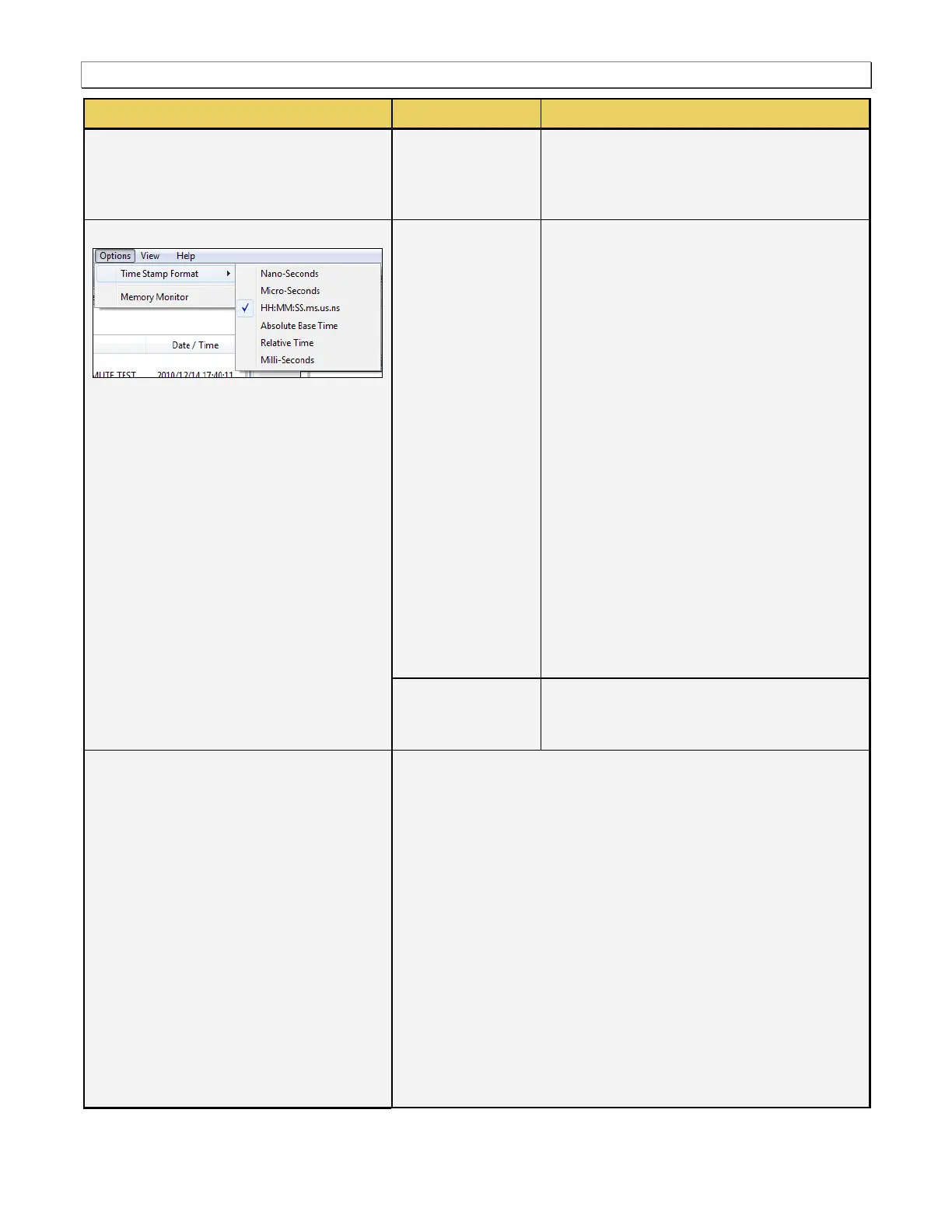
Nano-Seconds [HHMMSSmsusns] -
Time is shown in nanoseconds. The
baseline time is the time from the time of
the last boot of the 980.
Micro-Seconds [HHMMSSms.usns] -
Time is shown in microseconds. The
baseline time is the time from the time of
the last boot of the 980.
HH:MM:SS.ms.us.ns - Time is shown in
relative time meaning the time from the
previous event listed.
Absolute Base Time - Time for each item
is shown from the time of the beginning
of the capture.
Relative Time - Time is shown in relation
to the previous item.
Milli-Seconds [HHMMSS.ms] - Time is
shown in milliseconds. The baseline
time is the time from the time of the last
boot of the 980.
This is a toggle function which turns on and
off the memory monitor. A dialog box appears
informing you of the memory monitor status.
Navigator - Displays the Navigator Panel.
Capture Control - Displays the Control Panel.
EDID Editor – Opens up the EDID Management Panel.
HEAC – Opens up the HEAC Panel for monitoring ARC and HEC
transactions.
EDID Compliance Test (option) – Opens up the EDID Compliance
Panel. (Only available if this option is purchased.)
HDMI Source Compliance Test (option) – Opens up the
Compliance Panel. (Only available if this option is purchased.)
HDMI Sink Compliance Test (option) – Opens up the Compliance
Panel for running the HDMI sink compliance tests. (Only available if
this option is purchased.)
Data Decode - Displays the Data Decode Panel.
Event Plot - Displays the Event Plot Panel.
Timing Analysis - Displays the Timing Analysis Panel.



 To Next Page