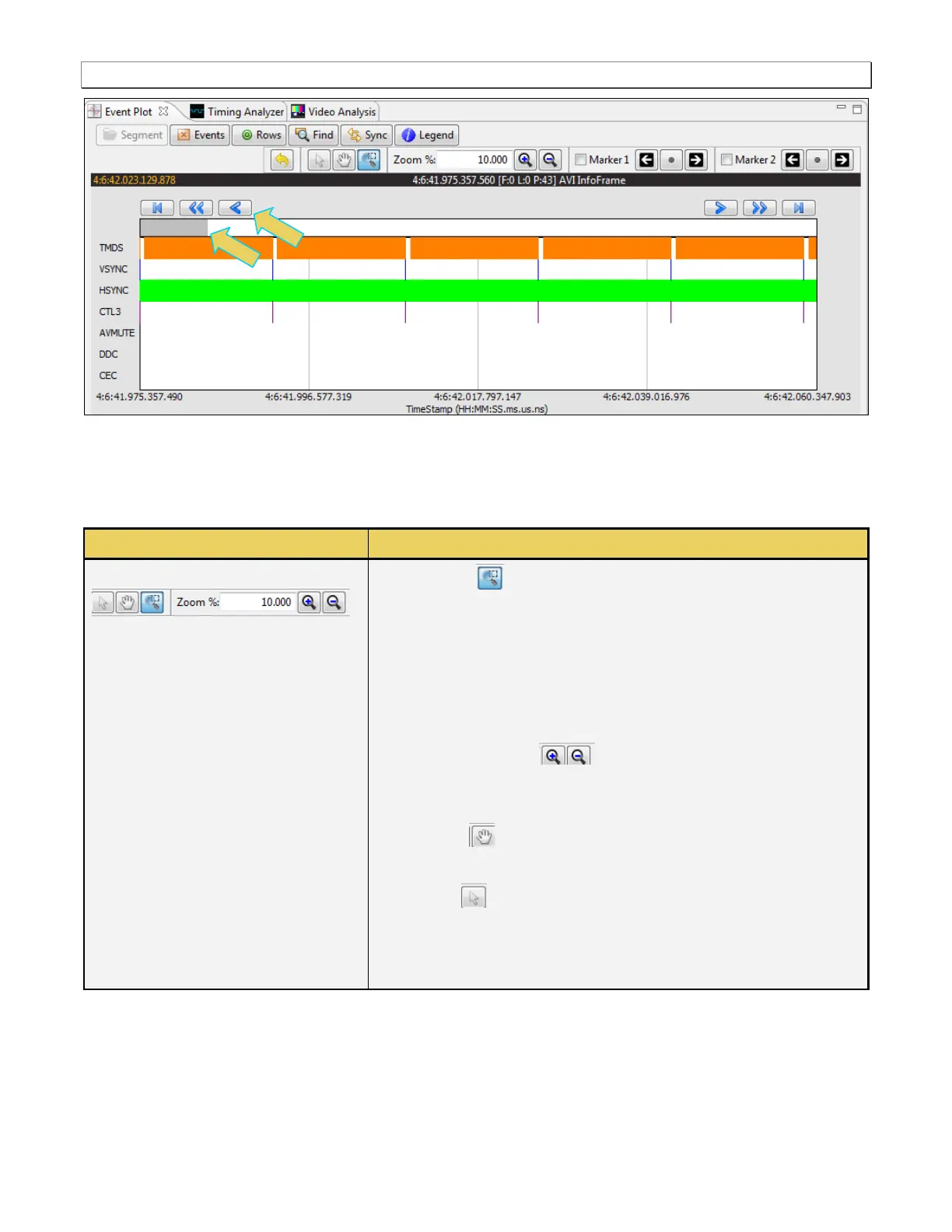
Surround activation button – You can select an area of the
Event Plot by clicking and dragging across. When you do this the
new view will be limited to the horizontal range that you selected.
The midpoint of the selection will become the new center of the
data displayed.
Zoom % – The Zoom % function enables you to enter a specific
zoom amount in the associated field provided.
Zoom In/Out icons – The Zoom In/Out function buttons
enables you to zoom in and zoom out by clicking on the activation
button. The centered point will remain the same.
Panning – The panning function enables you scan across the
data quickly by clicking and dragging.
Pointer – The pointer icon enables you to click on any point
and obtain information such as the data packet type and the
timestamp, about that data packet. The information is displayed in
a dark panel just above the scroll bar and below the icons.



 To Next Page