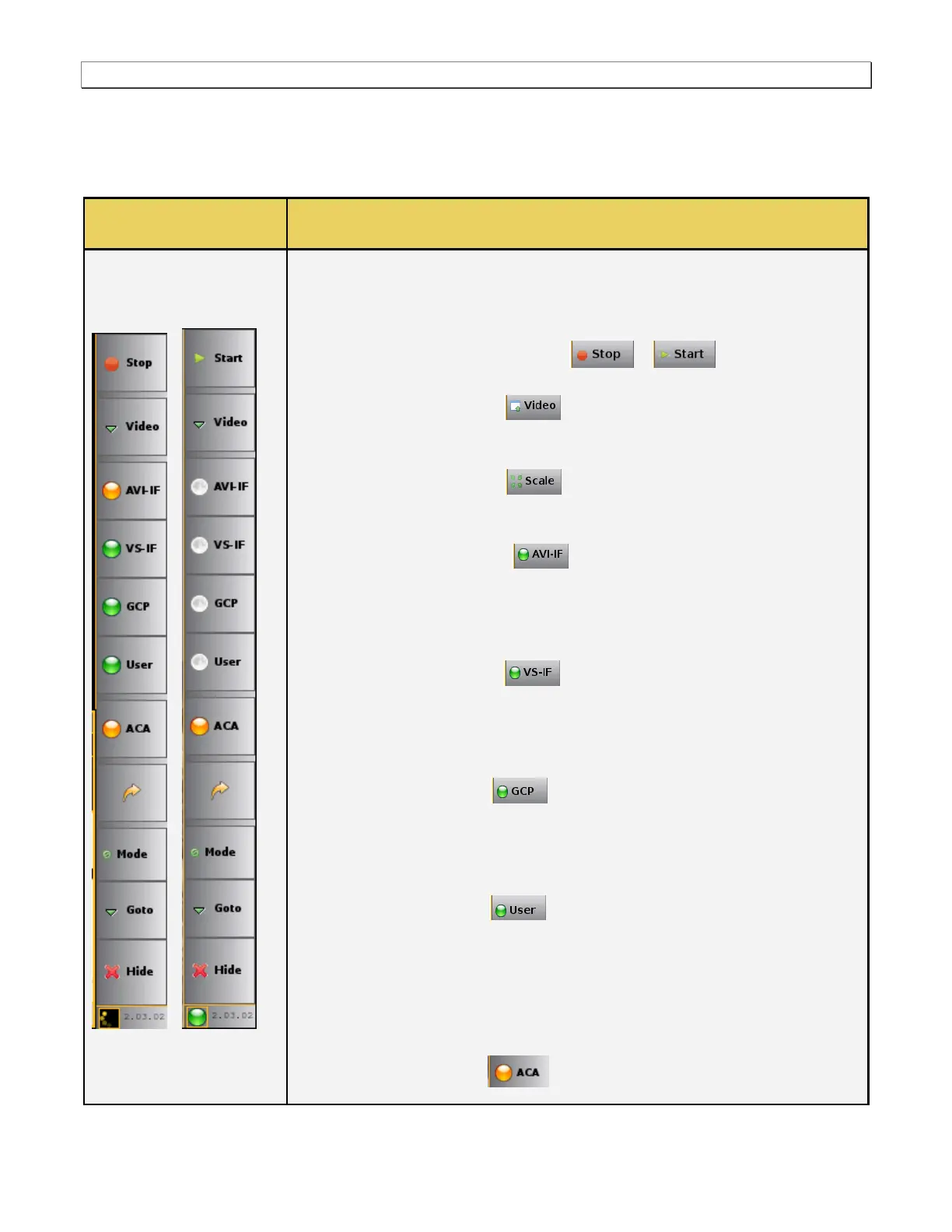
of these controls.
The following controls are provided in the main control panel on the right edge of
the Real Time mode interface. Each of the buttons have a pulldown menu
associated with them. The purpose of each button and their basic control functions
are described below:
Start/Stop –The Start / Stop button / is used to enable
and disable the active collection of real time data.
Video – The video button and associated pulldown menu (not
shown) is used to display the Video Info panel which provides timing,
resolution and other basic information about the incoming video.
Scale – The Scale button and associated pulldown menu (not
shown) enables you to control how the video image is displayed in the Real
Time mode window.
AVI-IF - The AVI-IF button and associated pulldown menu (not
shown) enables you to show or hide the AVI info panel and pause and resume
updates to the panel. It also enables you to control which set of data serves as
a ―Reference Frame‖ of data that can be used for comparisons with
subsequent frames collected.
VS-IF - The VS-IF button and associated pulldown menu (not
shown) enables you to show or hide the Vendor Specific infoframe info panel
and pause and resume updates to the panel. It also enables you to control
which set of data serves as a ―Reference Frame‖ of data that can be used for
comparisons with subsequent frames collected.
GCP - The GCP button and associated pulldown menu (not shown)
enables you to show or hide the General Control Packet panel and pause and
resume updates to the panel. It also enables you to control which set of data
serves as a ―Reference Frame‖ of data that can be used for comparisons with
subsequent frames collected.
User - The User button and associated pulldown menu (not shown)
enables you to select other packet types (Audio infoframe, Source Product
Descriptor and MPEG infoframe) for viewing. Once the type of ―user‖ specific
data is selected you can choose to show it or hide it, and pause and resume
updates to the panel and control which set of data serves as a ―Reference
Frame‖ of data that can be used for comparisons with subsequent frames of
that type that are collected.
ACA - The ACA button and associated pulldown menu (not shown)



 To Next Page