980 User Guide Rev. B29
Page 92 August 5, 2011
5.3.7 VS-IF Infoframe Panel
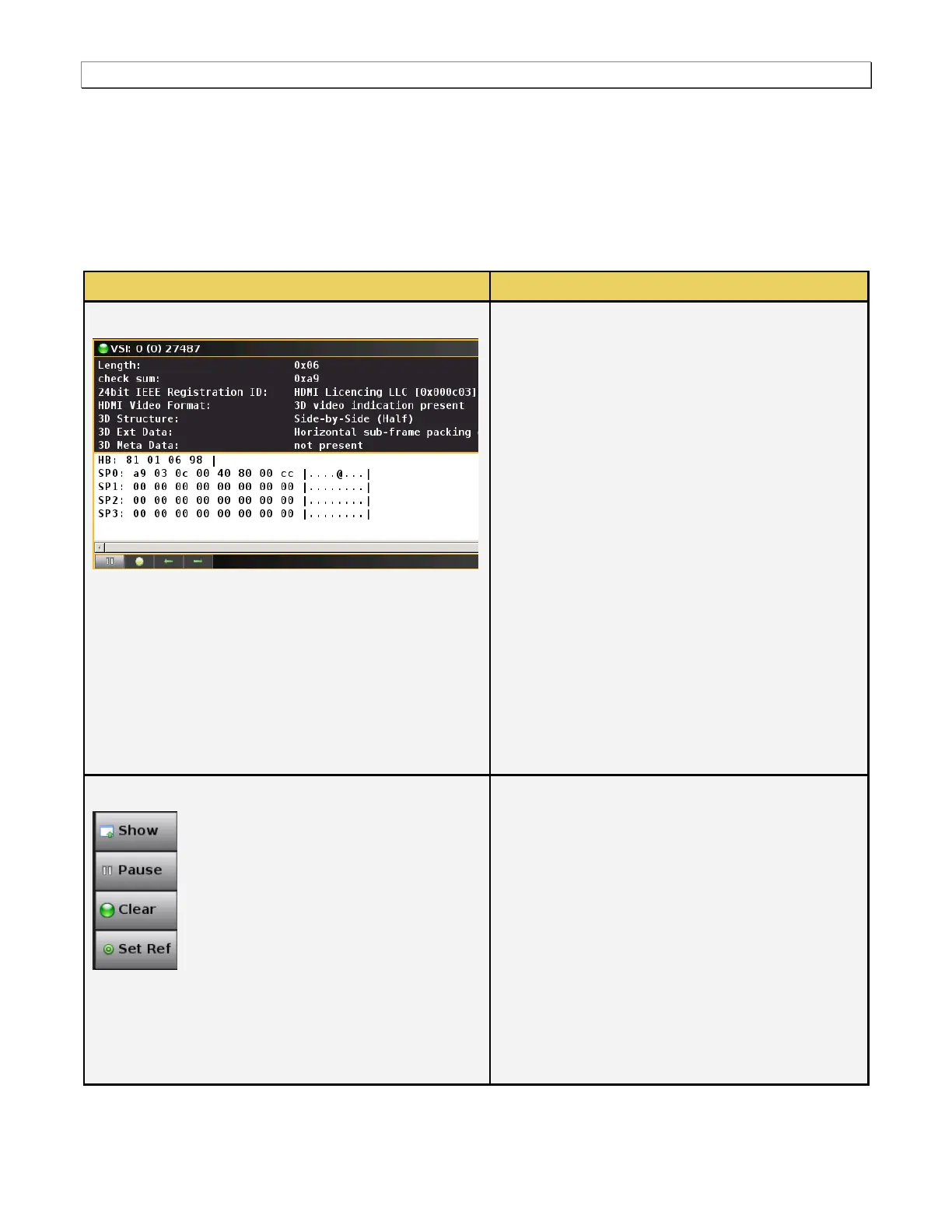
The VS-IF button opens up the VS-IF panel (shown below). The VS-IF panel enables you to view the Vendor
Specific infoframe data. There is a control pull down menu associated with the VS-IF panel. The control menu can
be accessed either from the panel itself (the pull down tab on the upper right corner) or from the VS-IF button on
the main control panel on the right side of the Real Time window. The table below describes the information in the
AVI Info panel and the associated control menu.
Vendor Specific Infoframe
The following information is provided in the Vendor
Specific Infoframe dialog box:
Length – The length in hex of the Vendor
Specific infoframe.
Checksum – A checksum to verify the integrity of
the infoframe.
Registration ID – IEEE Registration ID
HDMI Video Format – Provides additional
information such as 4K by 2K or 3D format
structure.
3D Structure – This is the 3D format structure
used. This could be one of: Frame Packing,
Field Alternative, Line Alternative, Side-by-Side
(Full), L + depth, L + depth + Graphics-Depth,
Side-by-Side (half)
3D Extra Data – Applies when the 3D structure
is Side-by-Side (half). Indicates the horizontal
sub-sampling and Quincunx matrix.
3D Meta Data – Indicates whether 3D metadata
is present or not.
There is a pulldown menu associated with the VS-IF
Info panel. You can access either from the main
control panel or from the VS-IF panel via the icon on
the upper right of the panel. The AV-IF pulldown
menu provides the following functions:
Show/Hide – Enable or disable the appearance
of the VS-IF infoframe panel in the Real Time
window.
Pause – Halt the updates of the data to the VS
IF panel.
Clear – Clear the currently displayed reference
frame.
Set Ref – Set a new reference frame.



 To Next Page