980 User Guide Rev. B29
Page 91 August 5, 2011
Real Time – AVI Infoframe
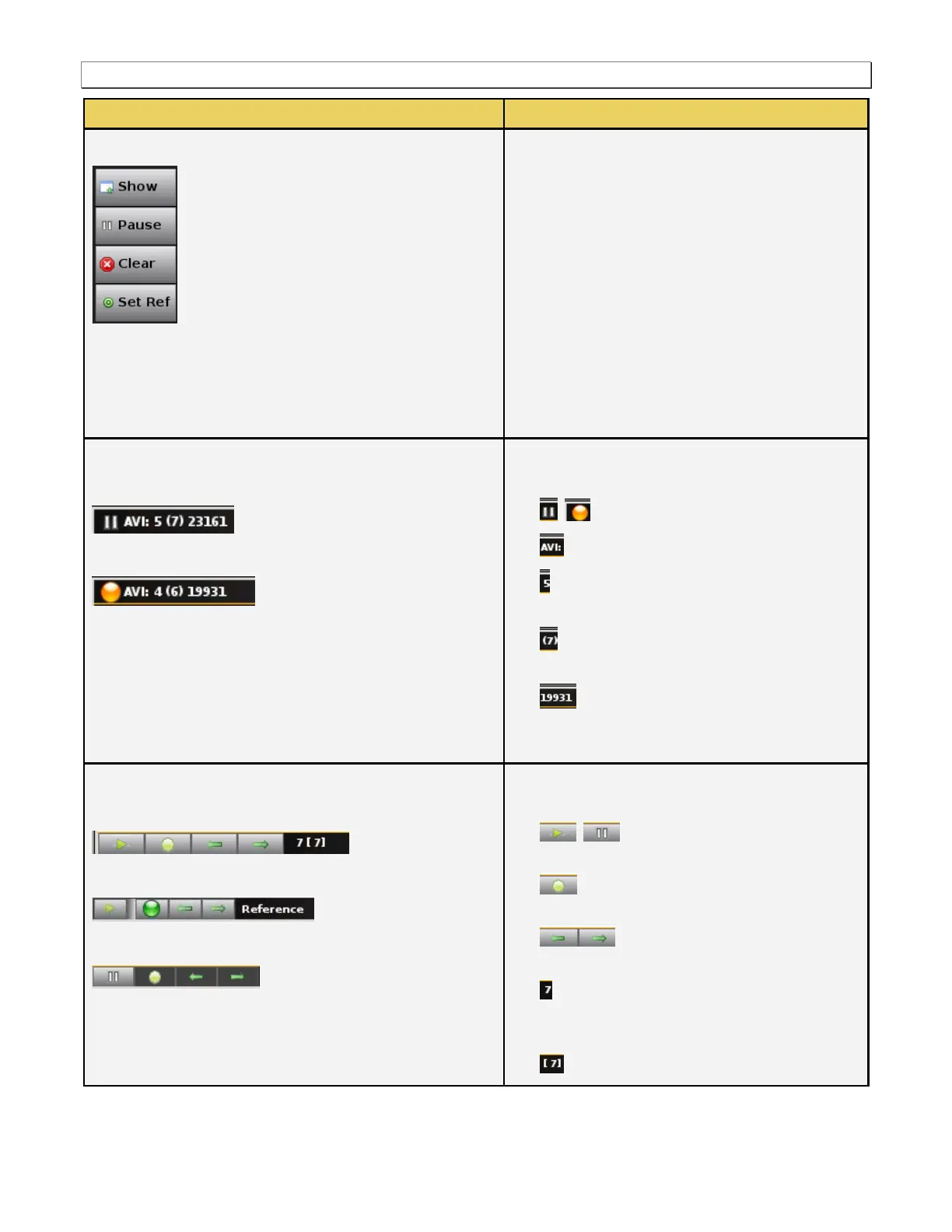
There is a pulldown menu associated with the AVI
Info panel. You can access either from the main
control panel or from the AVI panel via the icon on
the upper right of the panel. The AVI pulldown
menu provides the following functions:
Show/Hide – Enable or disable the
appearance of the AVI infoframe panel in the
Real Time window.
Pause – Halt the updates of the data to the
AVI panel.
Clear – Clear the currently displayed reference
frame.
Set Ref – Set a new reference frame.
Upper Status Bar
Pause mode
Resume (active) mode
The upper status bar shows the following
information from left to right:
The pause/resume (active) status.
The type of data panel (e.g. AVI).
The number of changes defined since you
set the reference frame.
The number of distinct data views in
parentheses.
The total number of frames captured
since the panel was opened or since the last
clear.
Lower Control Panel
Pause mode
Pause mode after going to the reference frame
Resume (active) mode
The lower control panel enables you to control and
view the following:
Set the pause/resume (active)
status.
Go to the Reference Frame (must be in
paused mode).
Navigate left or right through the
distinct data views (must be in pause mode).
The data view currently displayed. This field
shows ―Reference‖ if you are at the reference
frame.
The number of distinct data views.



 To Next Page