Jive Up / QM-710 Stand Up 27
Rev.2.0
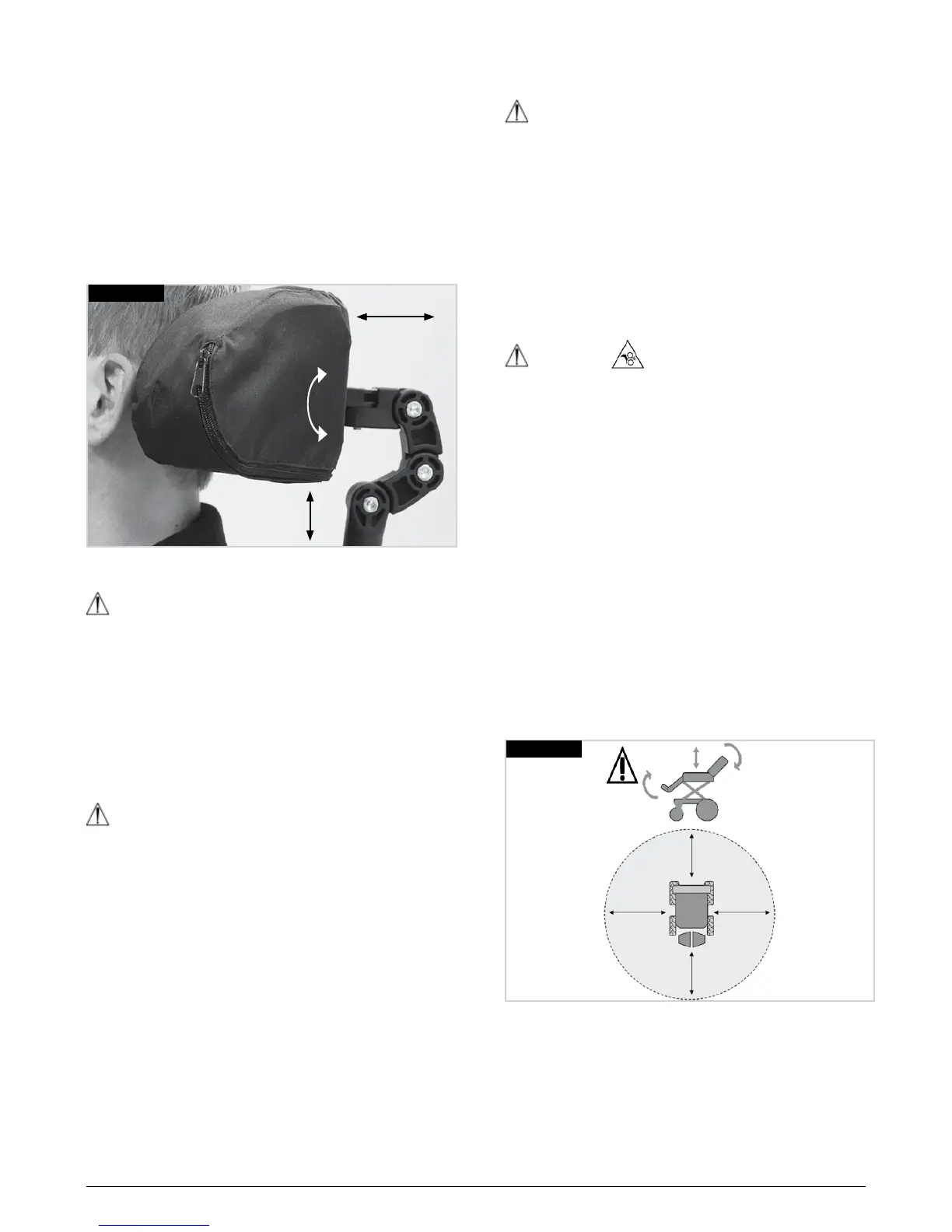
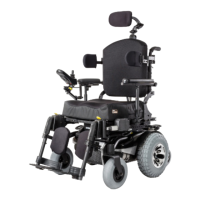
6.6 Headrest (Fig.6.3)
To fit the headrest, fit the location bracket to the backrest
bracket, using the screws and nuts supplied, ensuring
that they are fully tightened.
The headrest height is changed by loosening the
adjustment lever on the stem, slide the inner vertical
tube to the desired position and tightening the lever.
The headrest to seat depth is adjusted by loosening the
6mm Allen screws and moving the hinge to the desired
position and then tightening the screws securely. To
adjust the headrest angle, loosen the screws at the
headrest upholstery, position the headrest as required
and tighten the screws securely.
Fig.6.3
6.7 Powered Seating
WARNING!
• It is possible to reverse the direction of an actuator
relative to the direction of the joystick. Ensure you
know which direction to move the joystick for the
desired operation. Failure to do so may result in
damage and/or injury.
• Powered seat functions can be operated in “latched”
mode. To stop a latched seat function before the end
of travel, operate the joystick in the reverse direction.
6.7.1 Powered adjustable backrest
WARNING!
• Lowering the backrest by an angle of greater
than 15° from vertical alters the balance of your
wheelchair.
• Never exceed 15° of recline when on any gradient or
when driving your wheelchair.
• If it is clinically safe to do so, bring the back rest back
to the upright position when travelling along.
6.7.2 Powered seat lift
The seat can lift up to 20 cm by operating it through your
control system.
WARNING!
• Before operating the seat lift function ensure that
the immediate area around the wheelchair is clear of
possible obstructions,
• (eg wall shelving), and potential hazards, (eg small
children and pets).
• Operating the seat lift will limmit the drive speed of
the wheelchair.
6.7.3 Powered seat
The seat can be ed by operating your control system.
WARNING!
• Before operating the seat function ensure that the
immediate area around the wheelchair is clear of
possible obstructions, (Fig. 6.4).
• (eg wall shelving), and potential hazards, (eg small
children and pets).
• Operating the seat will limit the drive speed of the
wheelchair.
• Operating the seat and another electric option will
stop the drive all together.
NOTE: With the seat lift raised the maximum speed is
limited to approximately 10% of its normal value. This is
known as “Creep Mode”.
Raising the seat in combination with other powered
seating options, such as /recline/leg rests, can suspend
the normal drive options, (depending on programming).
This is quite normal and is a safety feature.
To start driving the wheelchair again, bring the seating
options back to their start positions.
Fig.6.4
1m


 To Next Page