82 Smartcat (BL2100)
C.3 Keypad Labeling
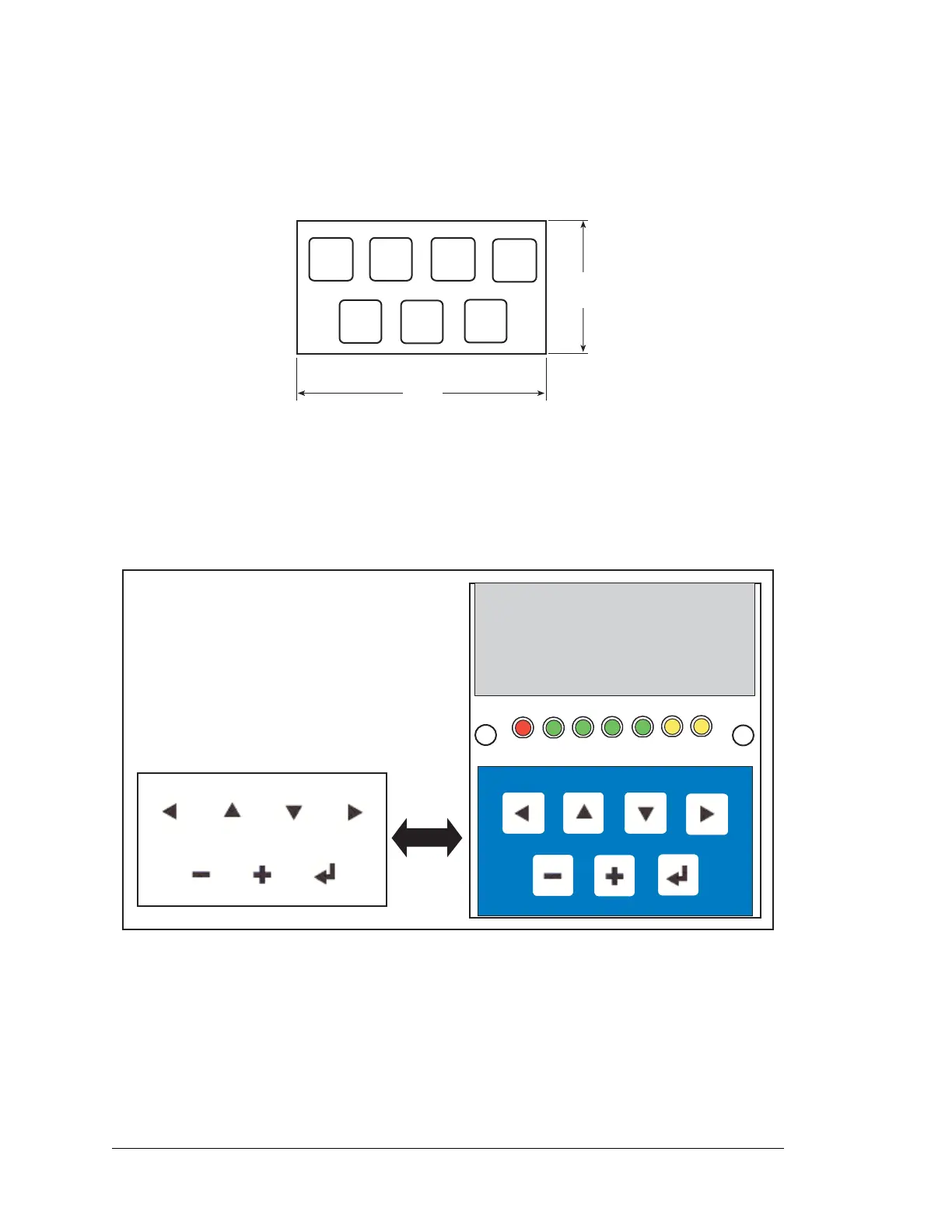
The keypad may be labeled according to your needs. A template is provided in Figure C-4
to allow you to design your own keypad label insert.
Figure C-4. Keypad Template
To replace the keypad legend, remove the old legend and insert your new legend prepared
according to the template in Figure C-4. The keypad legend is located under the blue key-
pad matte, and is accessible from the left only as shown in Figure C-5.
Figure C-5. Removing and Inserting Keypad Label
The sample program KEYBASIC.C in the SAMPLES\LCD_KEYPAD\122x32_1x7 folder
shows how to reconfigure the keypad for different applications.
Keypad label is located
under the blue keypad matte.



 To Next Page