User’s Manual 87
C.6 Bezel-Mount Installation
This section describes and illustrates how to bezel-mount the LCD/keypad module
designed for remote installation. Follow these steps for bezel-mount installation.
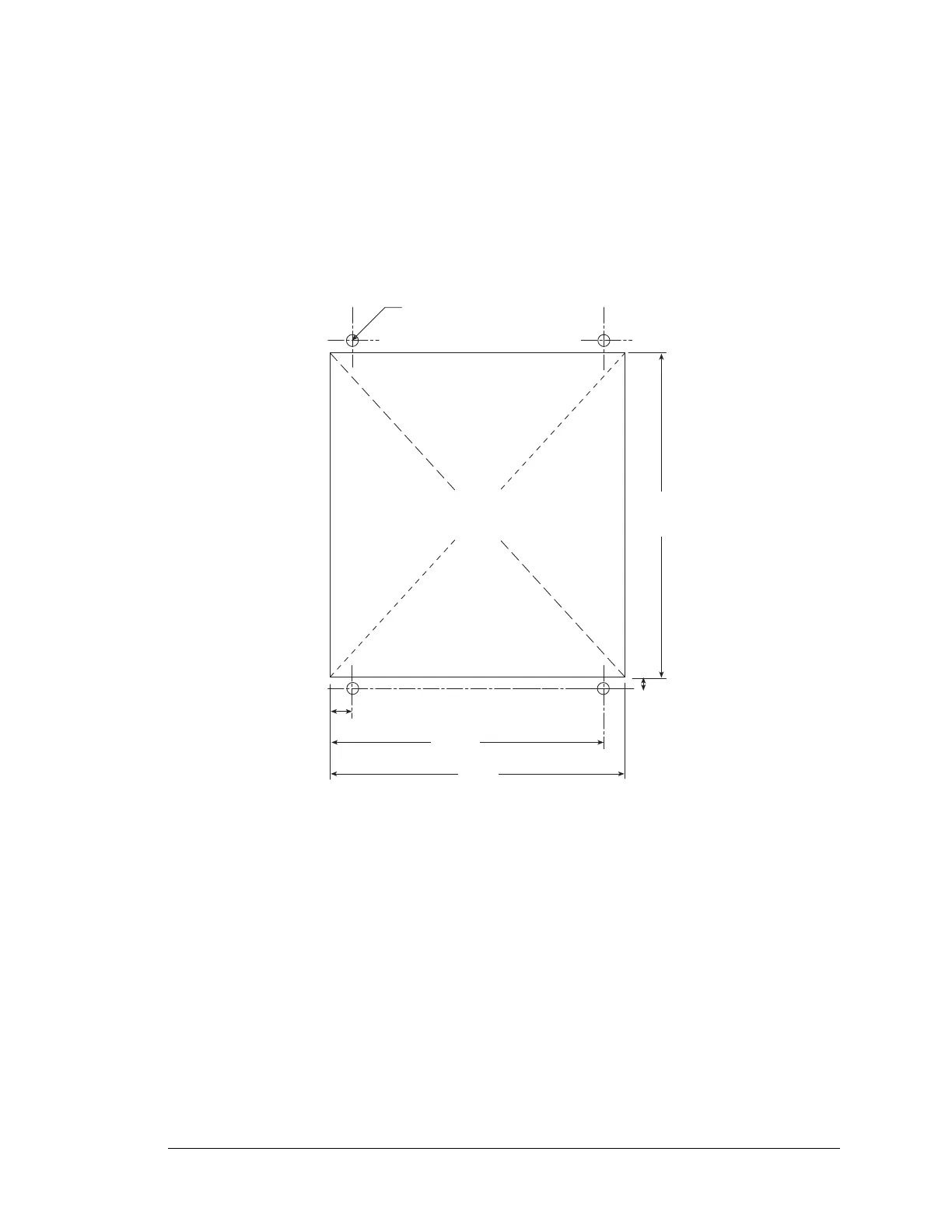
1. Cut mounting holes in the mounting panel in accordance with the recommended dimen-
sions in Figure C-11, then use the bezel faceplate to mount the LCD/keypad module
onto the panel.
Figure C-11. Recommended Cutout Dimensions
2. Carefully “drop in” the LCD/keypad module with the bezel and gasket attached.
3.400
(86.4)
3.100
(78.8)
2.870
(72.9)
0.230
(5.8)
0.125 D, 4x
(3)
CUTOUT
0.130
(3.3)



 To Next Page