86 Smartcat (BL2100)
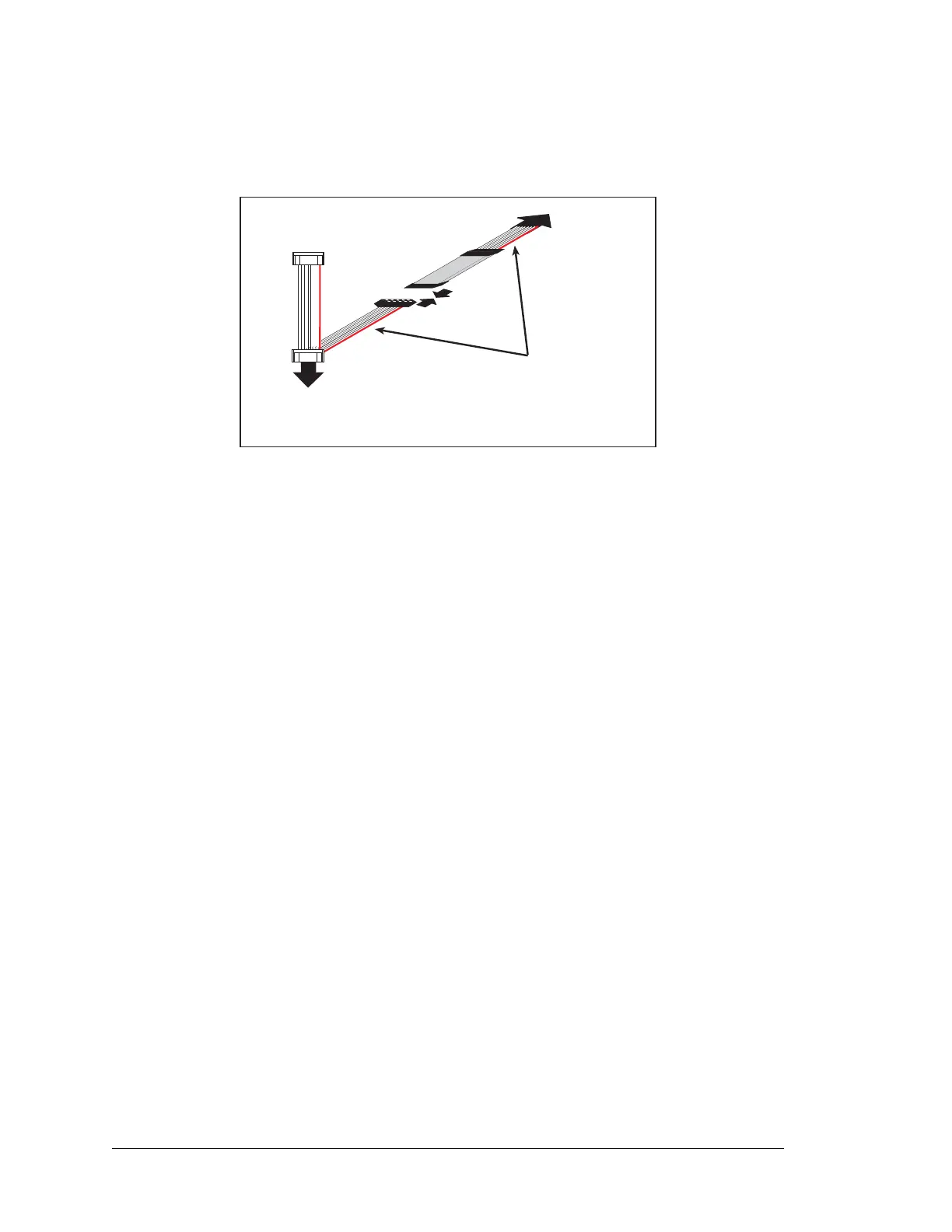
3. Line up the colored edges of the programming cable when reconnecting the program-
ming cable. Reconnect the programming cable as shown in Figure C-10, being careful
to align the pins with the jack
Figure C-10. Reconnect Programming Cable
Once you have finished programming the LCD/keypad module, you should disconnect the
programming cable from the BL2100 programming port, remembering to first remove, or
at least lift up, the LCD/keypad module, disconnect the programming cable, and finally
mount the LCD/keypad module back firmly on the BL2100 main board.
PROG
DIAG
Line up colored edges
when reconnecting
programming cable.
To PC
COM port
To
BL2100
programming port



 To Next Page