All files/directories are optional, depending on the scope of upgrade. If no files are present, only data
gathering will be performed.
Note
Whenever an FW file (.cpio) is found in the root directory of the disc, the upgrade is executed
automatically, regardless of the version of the currently active FW. If more than one FW file
is found, the latest version is used. Remember to remove the FW files from the disk root
when you do not intend to perform an upgrade. The same principles apply to a configuration
update from the disc.
Created files:
README file/RipEX_README.txt
directory with archived configurations/cnf_archive/
archived configuration(s) in text form<SERNO>_<NAME>_config.txt
directory with log files/logs/
log file(s)log_<SERNO>.txt
directory with technical support packages/tech_support/
technical support package(s)<SERNO>_<NAME>_tsupport.tgz
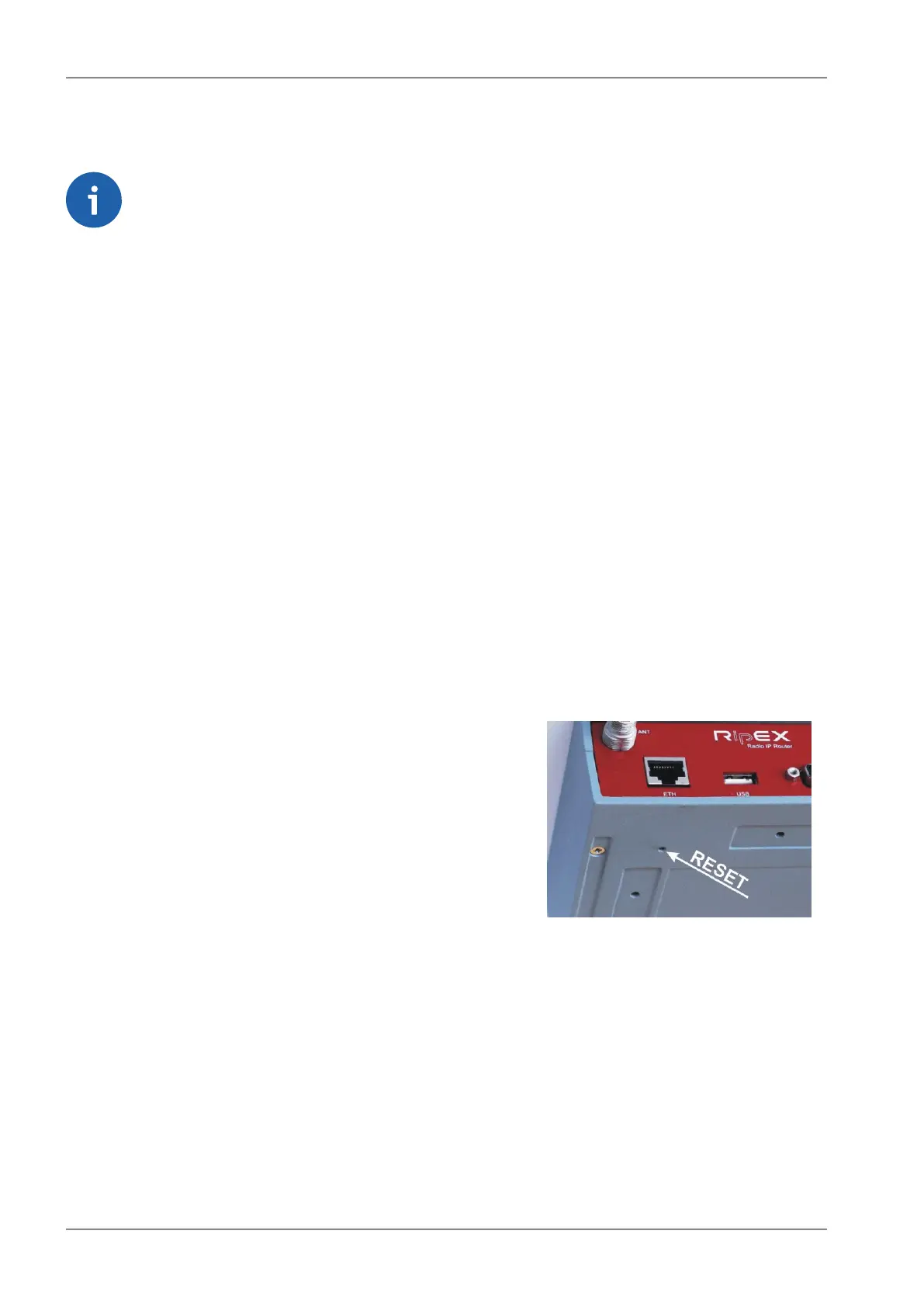
4.2.6. Reset button
A reset button is situated on the underside of each RipEX unit. The button support multiple functions.
Each function is activated dependant on how long the reset button is depressed. The Physical security
parameter in Settings/Device/Management menu dictates the behavior features available when de-
pressing the button.
Fig. 4.13: Reset button
RipEX Radio modem & Router – © RACOM s.r.o.52
Product


 To Next Page