Physical security = Off:
When button is depressed
Action if button releasedStatus LED actionTime [seconds]
—Goes dark0 - 5
Device rebootFlashes Green5 - 15
Default access settings, rebootFlashes Green faster15 - 18
Factory Settings, rebootFlashes Red faster30 - 33
Physical security = On:
When button is depressed
Action if button releasedStatus LED actionTime [seconds]
—Goes dark0 - 5
Device rebootFlashes Green5 - 15
Total purge, rebootFlashes Green faster15 - 18
Default access settings:
192.168.169.169/24
0.0.0.0
Auto
Off
Off
Off
Off
Deleted
Default (Web server=HTTP+HTTPS, CLI=SSH)
admin
admin
ETH IP and Mask:
ETH Default GW:
ETH Speed:
DHCP:
ARP proxy & VLAN:
Firewall:
Hot Standby:
Routing table:
Management:
Username:
Password:
Note
To reset the RipEX only use the RESET button as described above or use the button in
RipEX’s web configuration, see Adv. Conf., Maintenance. Never use a power cycling (dis-
connecting and reconnecting power supply) to reset it. While power cycle resets, or rather
reboots the RipEX, its software will not terminate correctly resulting in logs, statistics and
graphs not being saved properly.
4.2.7. GPS
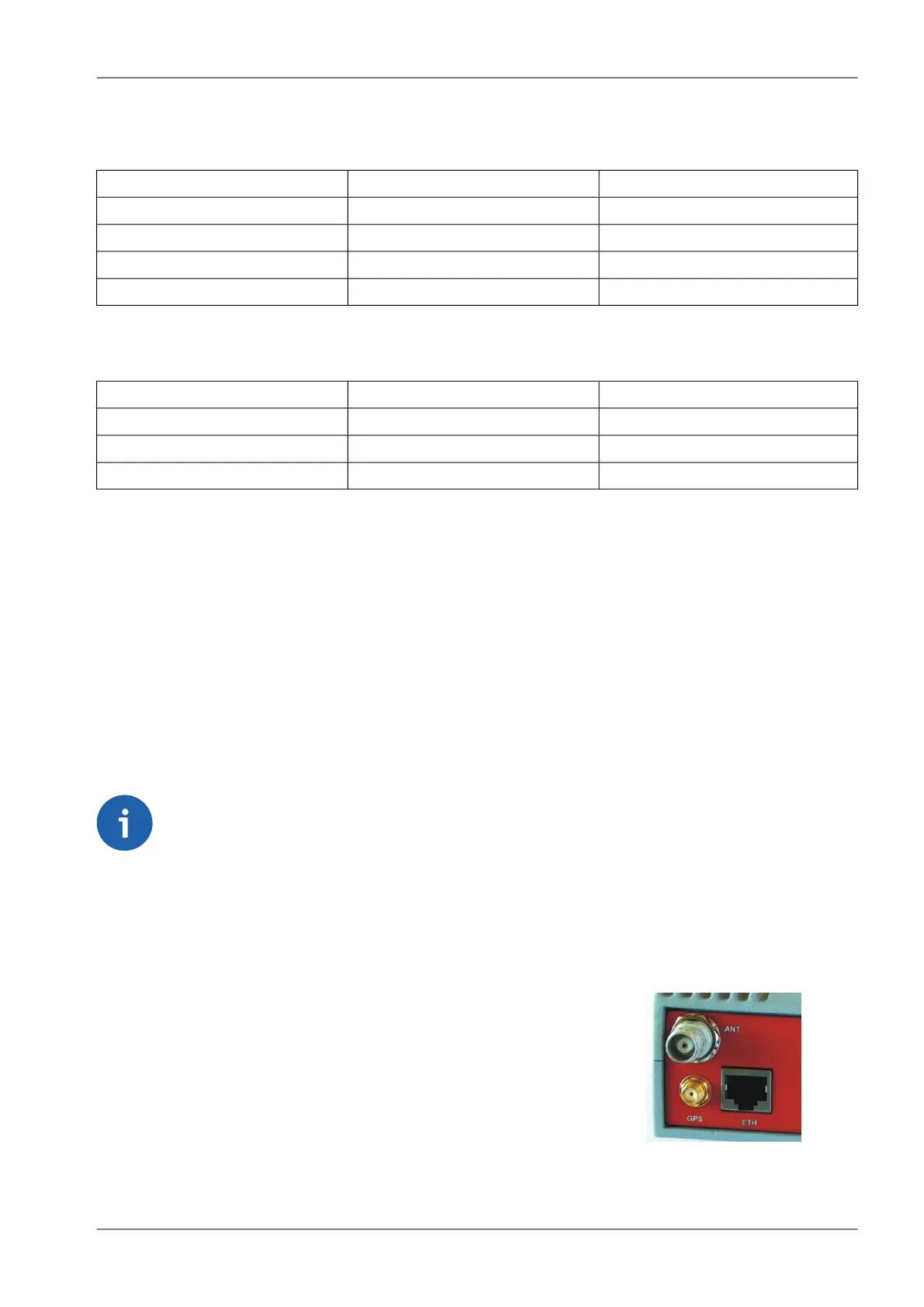
Fig. 4.14: GPS Connector SMA
RipEX can be equipped with an internal GPS, see Section 4.5,
“Model offerings”. The GPS module is used for time synchronisation
of the NTP server inside RipEX. See Adv. Conf., Time for more. In
this case the front panel contains a SMA female 50 ohm connector
for connecting the GPS antenna.
• active or passive antenna
• 3.3 VDC supply
53© RACOM s.r.o. – RipEX Radio modem & Router
Product


 To Next Page