Fill in the Date in the required format when Auto Toggle mode starts.
Start Time [HH:MM:SS]
Fill in the Time in the required format when Auto Toggle mode starts on "Start Date" day.
Period [min.]
Minimum value 60 min.
Within this period units "A" and "B" will change their activities over. Unit "A" starts to operate
at "Start Date and Time". When "Period" minus "Unit B" time expires, controller switches to
unit "B".
Unit B [min.]
Minimum value 5 min.
Time when unit "B" will be active within "Period". It has to be shorter than Period by 5 min.
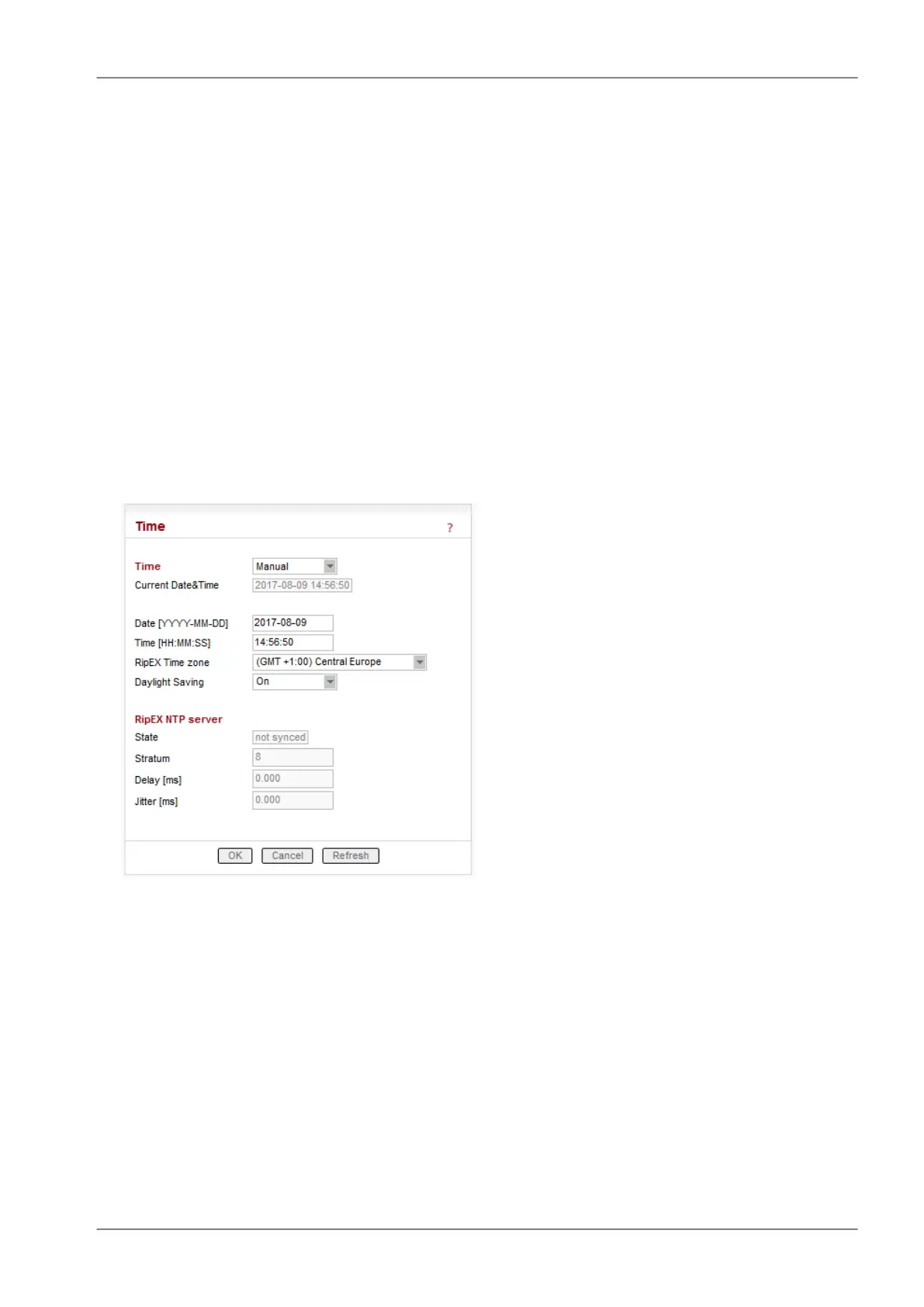
■ Time
List box: Manual, NTP
Default = Manual
Internal calendar time of RipEX can be set manually or synchronized via NTP (Network Time Pro-
tocol).
Manual
RipEX internally uses the Unix epoch time (or Unix time or POSIX time) - the number of seconds
that have elapsed since January 1, 1970. When RipEX calendar time is set, the Unix epoch time
is calculated based on filled in values (Date, Time) and the time zone, which is set in operating
system (computer), where the browser runs.
Current Date&Time
Information about the actual date and time in the RipEX
97© RACOM s.r.o. – RipEX Radio modem & Router
Advanced Configuration


 To Next Page