RC2
PLUS
USER MANUAL REV 9
Gamma energies can be measured.
From To
Am-241 ROI1 3 7
Ir-192 ROI2 16 40
Cs-137 ROI3 27 65
Co-60 ROI4 67 126
• There are four selectable ROIs that can
be User configured to optimize the
detection capability of a given ROI
Window. FROM is the lower energy
range whereas TO is the upper range of
energy. Above the ch settings are the
associated energy levels in KeV.
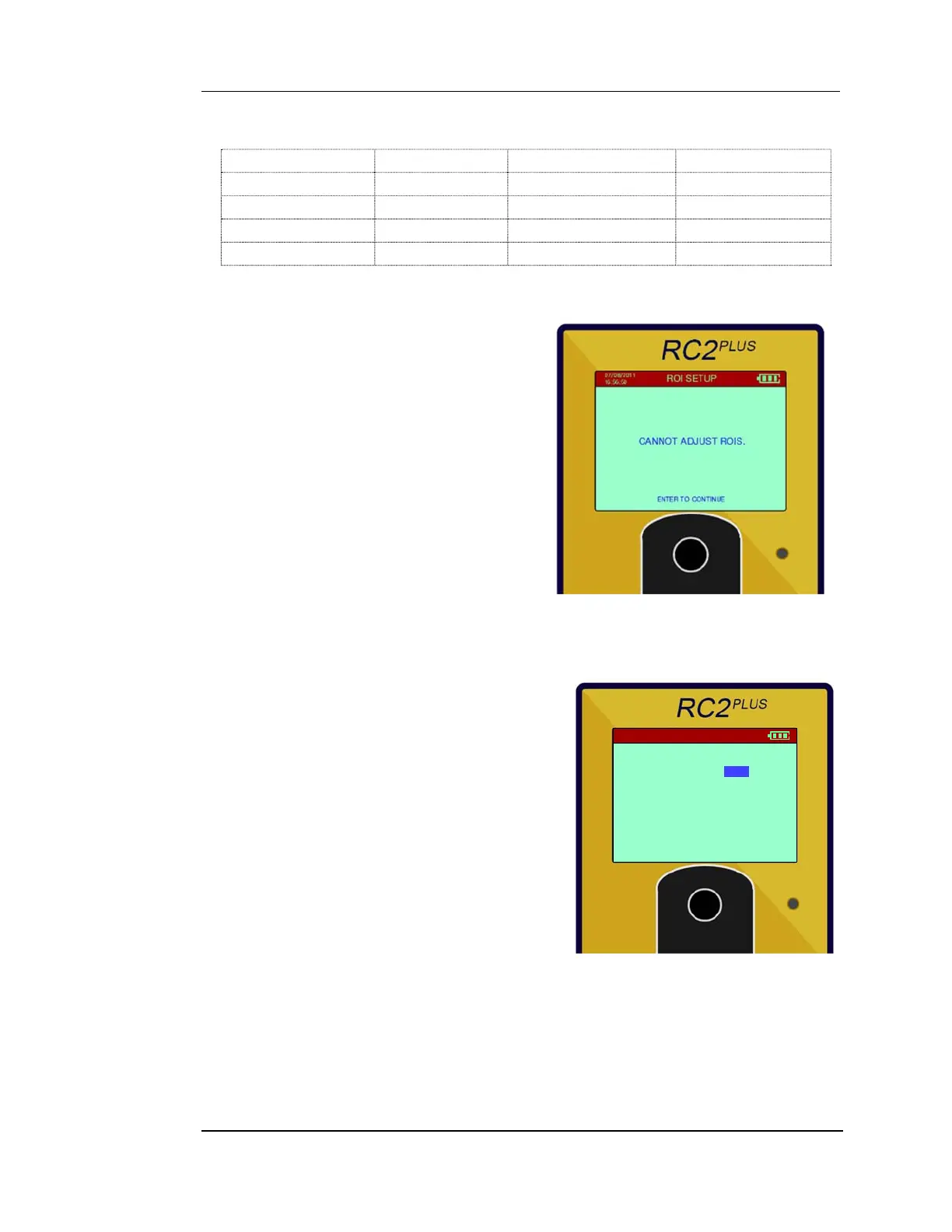
• Cannot Adjust ROIs: This message is
telling the User that the FROM and TO
settings are in conflict. The FROM must
always be lower than the TO setting and
vise-versa. The maximum channel
number is 256.
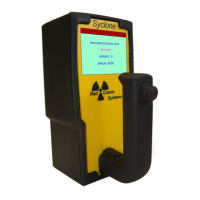
5.5.4 ROI ALARM THRESHOLD SETUP
Each ROI (set by the User or RadComm’s
defaults) and the Total Count (Total) are listed
on the left side.
The RC2PLUS applies a configurable threshold
setting. The thresholds are given in terms of
standard deviations of instrument background
fluctuation for the selected window. The
default setting is 5 standard deviations. The
user can change it from 1 to 10 or OFF. Setting
the ROI Alarm threshold to OFF turns off the
Alarm algorithm for the selected ROI.
ALARM THRESHOLD
ROI1
ROI2
ROI3
ROI4
TOTAL
07/08/2011
16:56:50
5SD
5SD
5SD
5SD
5SD


 To Next Page