"SK2" customization function
Press and hold the SK2 key as the Monitor function. SK2 allows you to set shortcut functions through the CPS programming software or the
radios menu.
• FM RADIO: Quickly turn on or off the FM radio function.
• Scan: Quickly turn on or off the scan function. You can also turn on or off the scan function by hold down the # key.
• SEARCH: Quickly turn on or off the one-touch frequency search function.
• VOX: Quickly turn on or off the VOX function.
4.1 Status Indications
The top LED will help you to identify the current radio status.
LED Indication What it Indicates
Constant Green Receiving Signal
Constant Red Transmitting signal
Flashes Green Monitor mode/Scanning Receiving
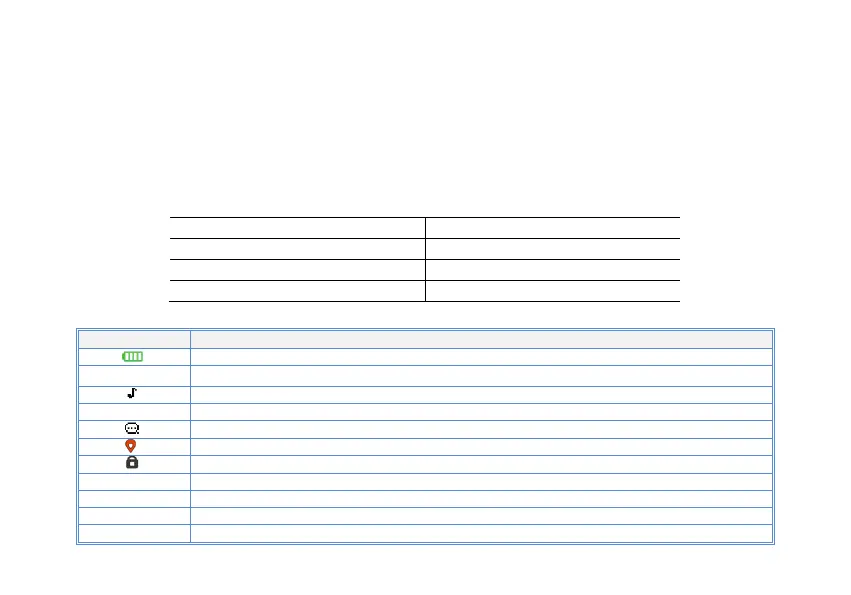
4.2 LCD icon summary
Icon Description
Battery level indicator
RSSI
Operating band signal
Make sure you can hear the DTMF side tone from the radio speaker, set to DT-ST, ANI-ST, DT+ANI.
D Dual watch enabled
VOX enabled
GNSS function enabled
Keypad lock enabled
Zone1~ Zone1 Indication of the current channel's region. Working in storage mode
VFO In the current working VFO mode. Allow manual frequency input
H Transmit power level indicator, According to Power High
L Transmit power level indicator, According to Power Low



 To Next Page