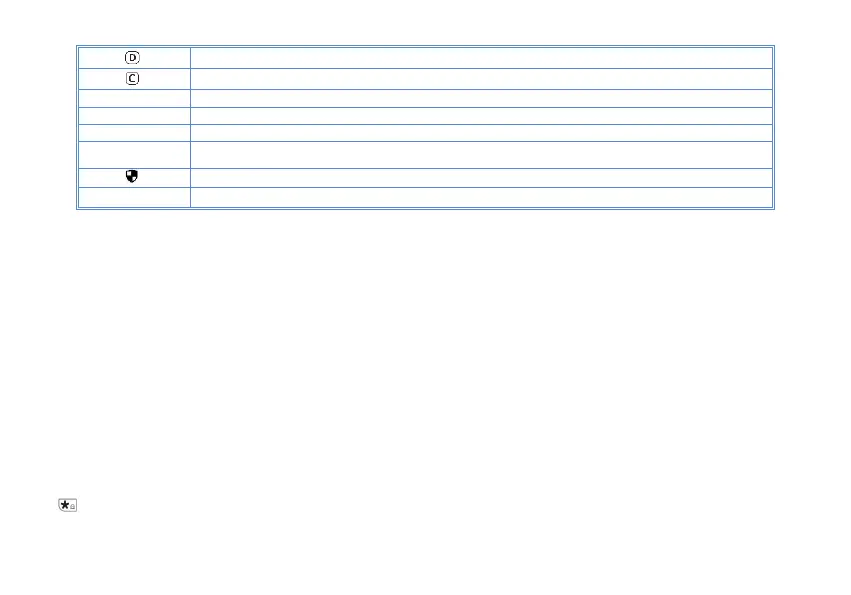
DCS enabled
CTCSS enabled
+ Enables access of repeaters in VFO/Frequency Mode. TX will be shifted higher in frequency than RX。
- Enables access of repeaters in VFO/Frequency Mode. TX will be shifted lower in frequency than RX
R Reverse function enabled
T
Talkaround has been activated, off grid at the central turntable. The transmission frequency is equal to
the receive frequency
The confidential calling feature is activated
N Narrowband enabled
4.3 Main keypad controls
• MENU key: It is used for activating the MENU, choose each MENU selection and confirm the parameter.
When listening to broadcast FM, the key switches between 65-75 MHz and 76-108 MHz bands.
• P1 key: press the key to switch between frequency (VFO) mode and channel (MR) mode.
•■ key: Press it for more than 2 seconds, the channel and frequency will move upwards rapidly; in SCAN mode, press this
control to move the scanning upwards.
•■ key: Keep it pressed it for more than 2 seconds, the channel and frequency will move downwards rapidly; in SCAN mode,
press this control to move the scanning downwards.
•EXIT key: Press to exit the Menu and functions.
• P2 key: The key switches between A (upper) and B (lower) displays. The frequency or channel on the selected display
becomes the active listening and transmit frequency or channel.
• Numeric keypad
With these keys you can input the information or your selections on the radio. In TX mode, push the number keys to send a corresponding
DTMF code.
•
Key
A short momentary press of the key enables the reverse function.



 To Next Page