176823346-R3
ROUBLESHOOTING
T
Verify that the parameter setting, parameter 60
is set correctly:
• If equipped with power supply, parameter 60
should be set to 12V.
• If equipped with batteries, parameter 60
should be set to 6V.
Display shows low battery
indication and remains on
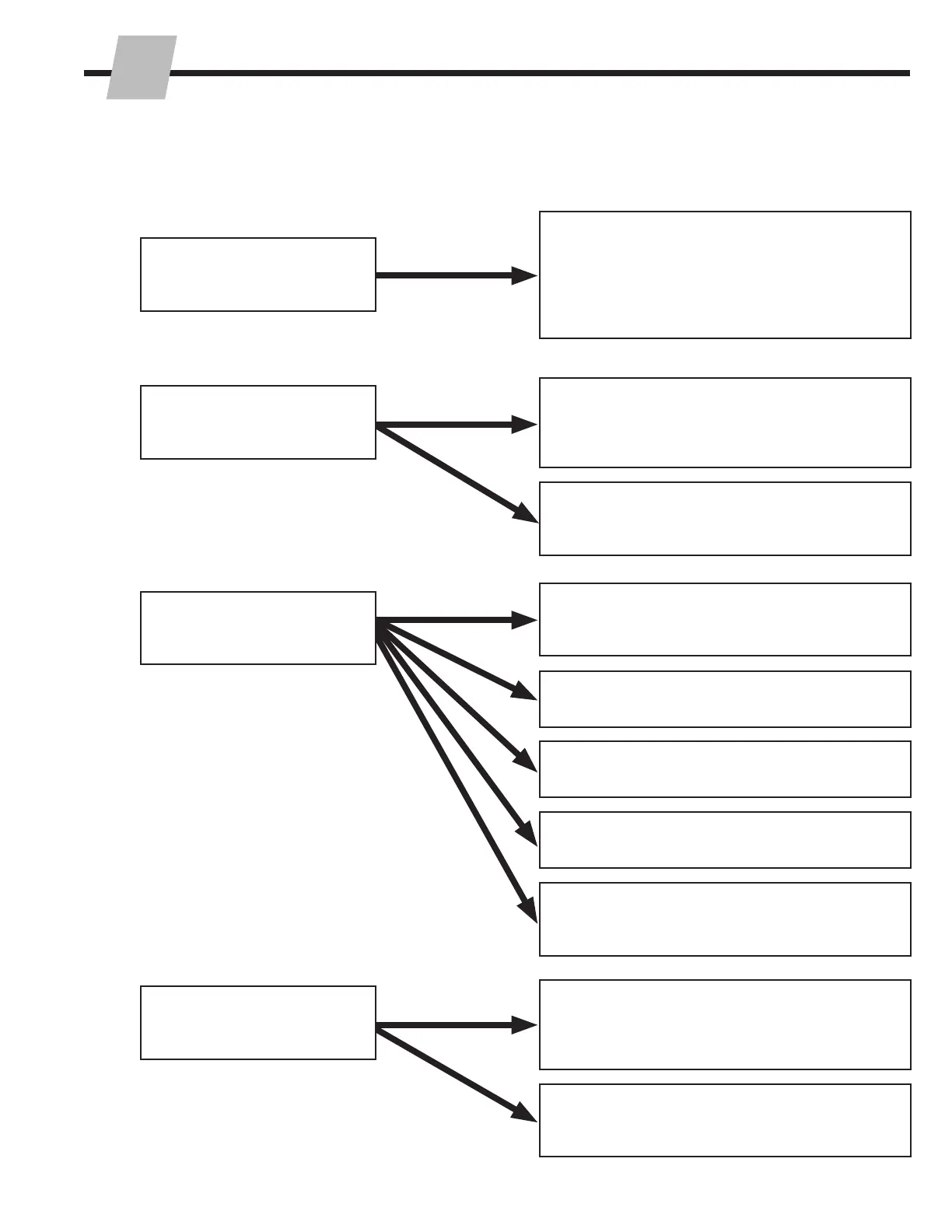
Problem
Solution
Disconnect additional features (printer). Then
check if display buttons work. If the buttons
still don't work, contact Cascade. The touch
panel may need to be replaced.
If equipped with printer, verify LED on printer is
on.
Buttons on display have no
reaction
2.4-4 Display (continued)
Disconnect additional features (printer). Then
check if display buttons work. If the buttons
still don't work, contact Cascade. The touch
panel may need to be replaced.
Touch panel connector may need to be
replaced, contact Cascade.
Verify scale is unloaded before accepting new
print.
Check power supply. Refer to Section 2.3-1.
Check wiring to printer.
Restart display.
Motion detection parameter needs to be
checked. Contact Cascade.
Display does not react
when buttons pressed and
weights change
Totaling button (also printer
function) does not function



 To Next Page