ROUBLESHOOTING
T
6 68233 46-R3
2.3 Basic Troubleshooting
There are seven potential problem areas that can affect the
function of iForks:
• Power supply – Worn out battery, broken fuse, or power supply.
• Bad or broken contacts.
• Pinched or worn out cabling.
• Loose screws or bolts.
• Mechanical problems – Weighing part interferes with a
non-weighing parts of the system due to deformation or
accumulated dirt or debris in between components.
• Moisture in the electronics or load cells.
• Low Battery – iForks indicating low battery can affect weighing
accuracy and communication to the display.
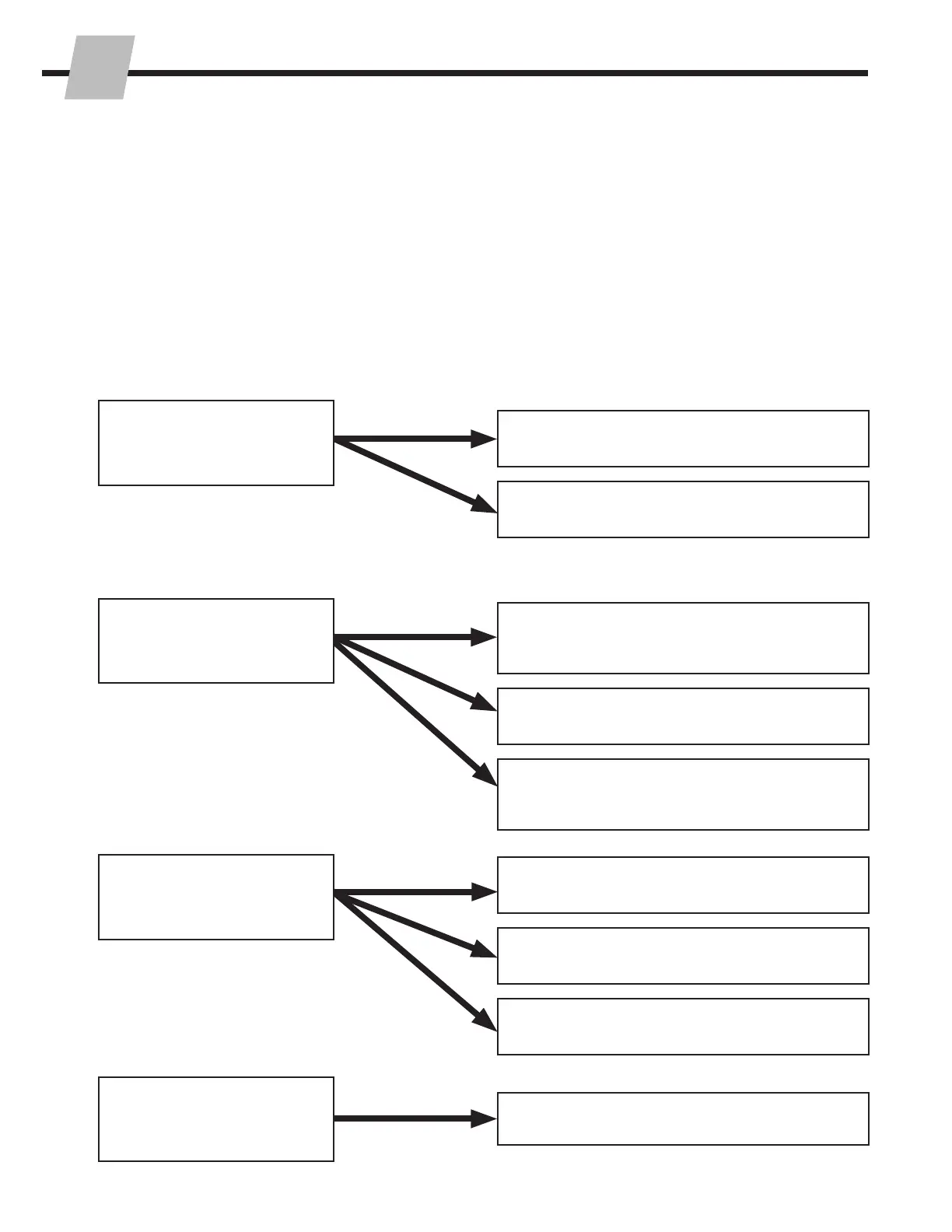
Problem
Solution
Check power supply or battery. Refer to
Section 2.3-1.
Check the display for bad contact. Refer to
Section 2.4-4 for further diagnosis.
Check the display for moisture or loose
contacts. Refer to Section 2.4-4 for further
diagnosis.
Check load cell cables and load cell. Refer to
Section 2.3-2 (or 2.3-3) & 2.4-3.
Check the iForks assembly. Verify the
capscrews are properly tightened. Refer to
2.4-1 for further diagnosis.
Make sure the weight is centered on the iForks
and iForks are level.
Check the iForks assembly. Refer to Section
2.4-1 for further diagnosis.
Check the load cells by verifying that the parts
do not interfere with fixed, non-weighing parts.
Nothing works.
The display is dead, even
when pressing the keys.
With the same load,
different weights show on
the display
The display is unstable;
values change
Check the iForks assembly. Refer to Section
2.4-1 for further diagnosis.
Smaller weights are
accurate but inaccurate
with heavy weights
Section Continued On The Next Page



 To Next Page