ROUBLESHOOTING
T
4 68233 46-R3
2.1 Preparation
2.1-1 Tool Required
In addition to a normal selection of technician's hand tools,
the following are needed to troubleshoot the iForks system:
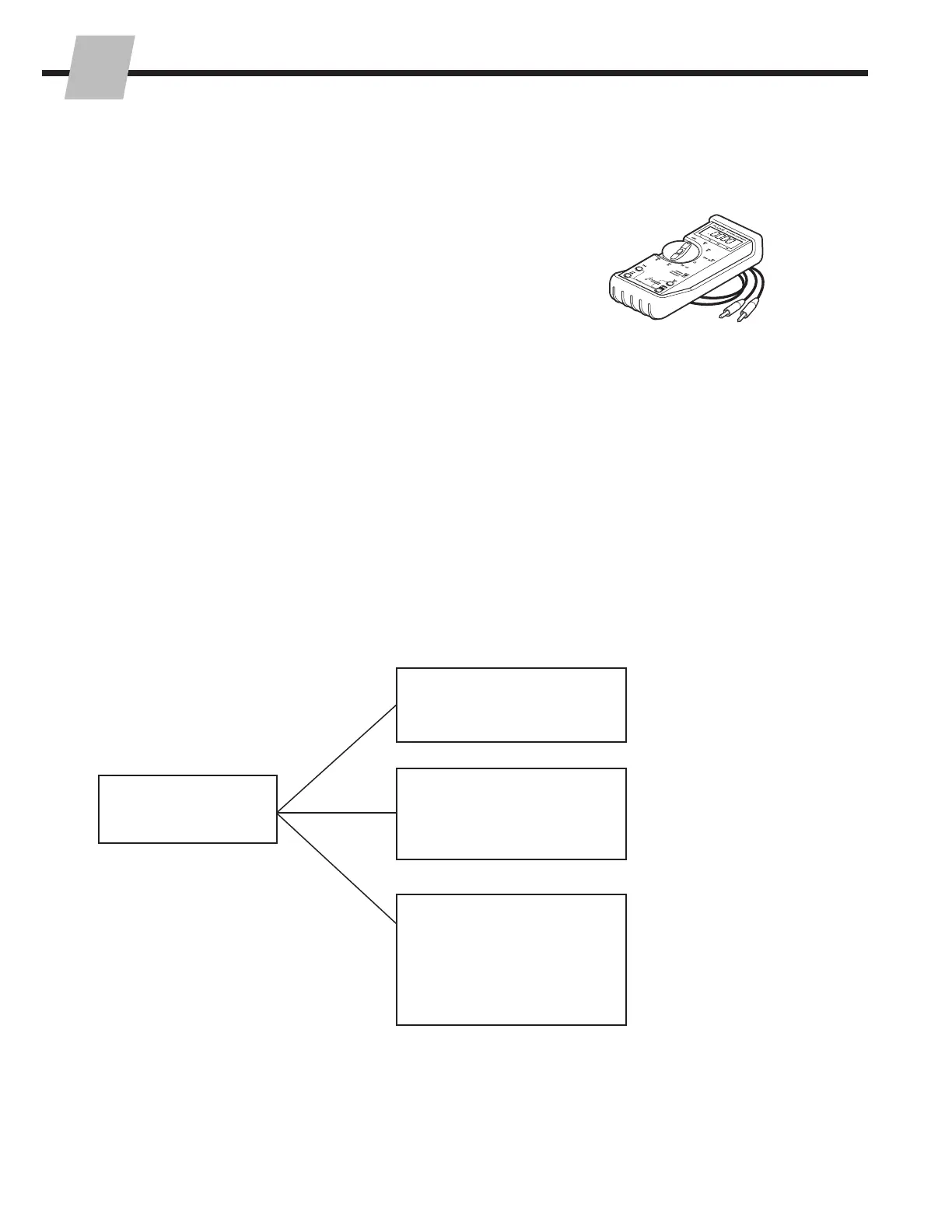
• Digital Multimeter, test leads and adapter (Service Kit
213867)
2.1-2 Before Starting
iForks system problems and solutions are listed on the
following pages, under one of the categories shown below:
Determine All The Facts – It is important to gather all the
facts about the problem before beginning any service
procedures. The first step is to talk to the equipment
operator and ask for a complete description of the
malfunction or problem.
!
Digital Multimeter Kit 213867
iForks System
2.2 Error Messages
2.3 Basic Troubleshooting
2.3-1 Check Display Power
2.3-2 Display Debug Mode
2.4 Hardware
2.4-1 Fork Assembly
2.4-2 Wire Harness
2.4-3 Load Cells
2.4-4 Display
2.4-5 Printer



 To Next Page