RAVEN MTi-1
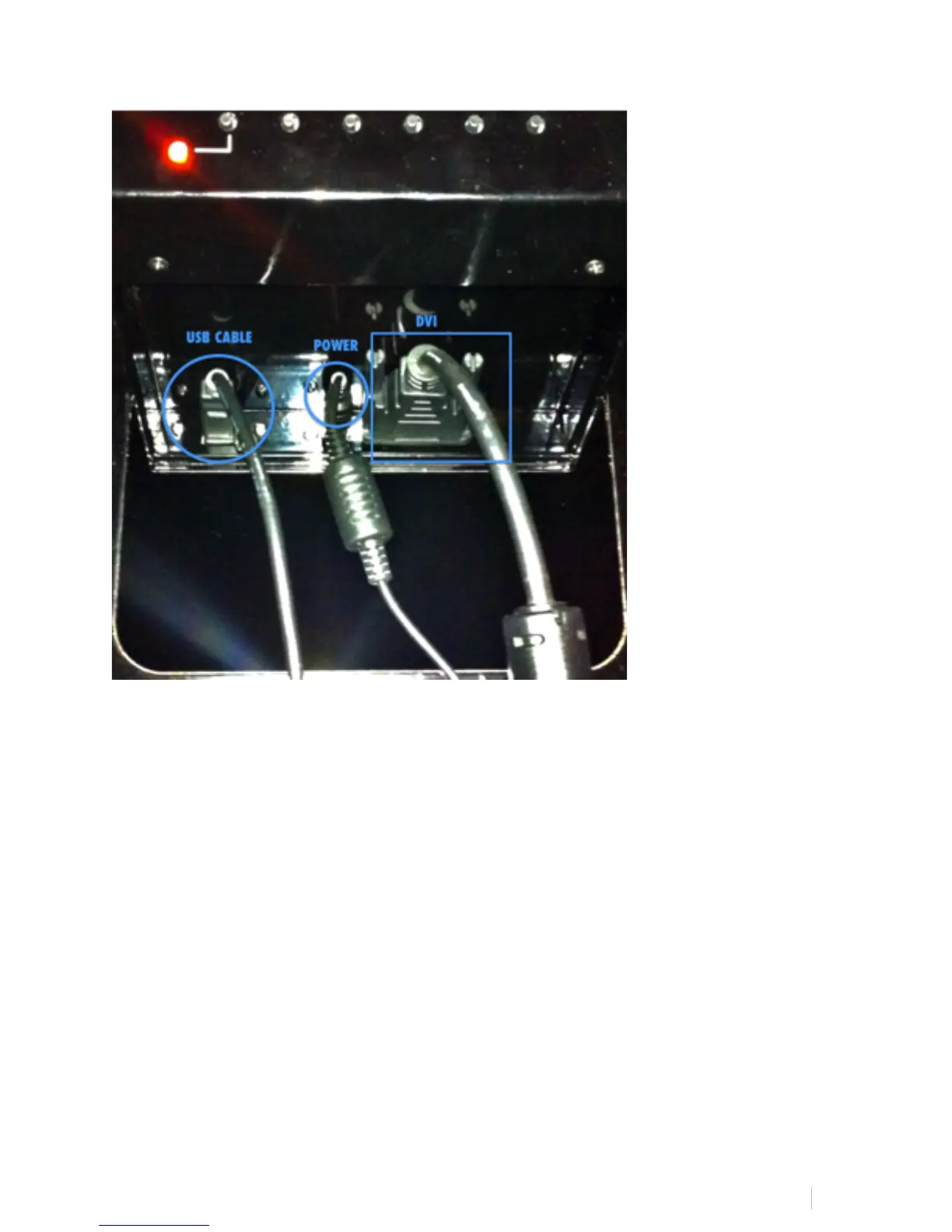
RAVEN MTi connects to your computer using a DVI and USB connection.
1. Attach DVI video cable to the first slot on your computer. (Note, HDMI to DVI or
Mini DVI to DVI adapters may be used to connect to your computer, but these
are not included.)
2. Connect USB to any available slot on your computer.
3. Turn computer on and computer will sync to display.
4. In System Preferences, click Displays and select the RAVEN MTi as your main
display.



 To Next Page