IMPORTANT:
As in many studios, your computer may be located in a room far away from your
console. For DVI cable lengths over 15ft, a DVI signal booster is required. This will
ensure the video signal reaches the display with no signal degradation.
You will now need to install Multi-Touch Drivers in order to get touch response
from RAVEN MTi, using the RAVEN MTi Installer Package.
RAVEN MTi-2:
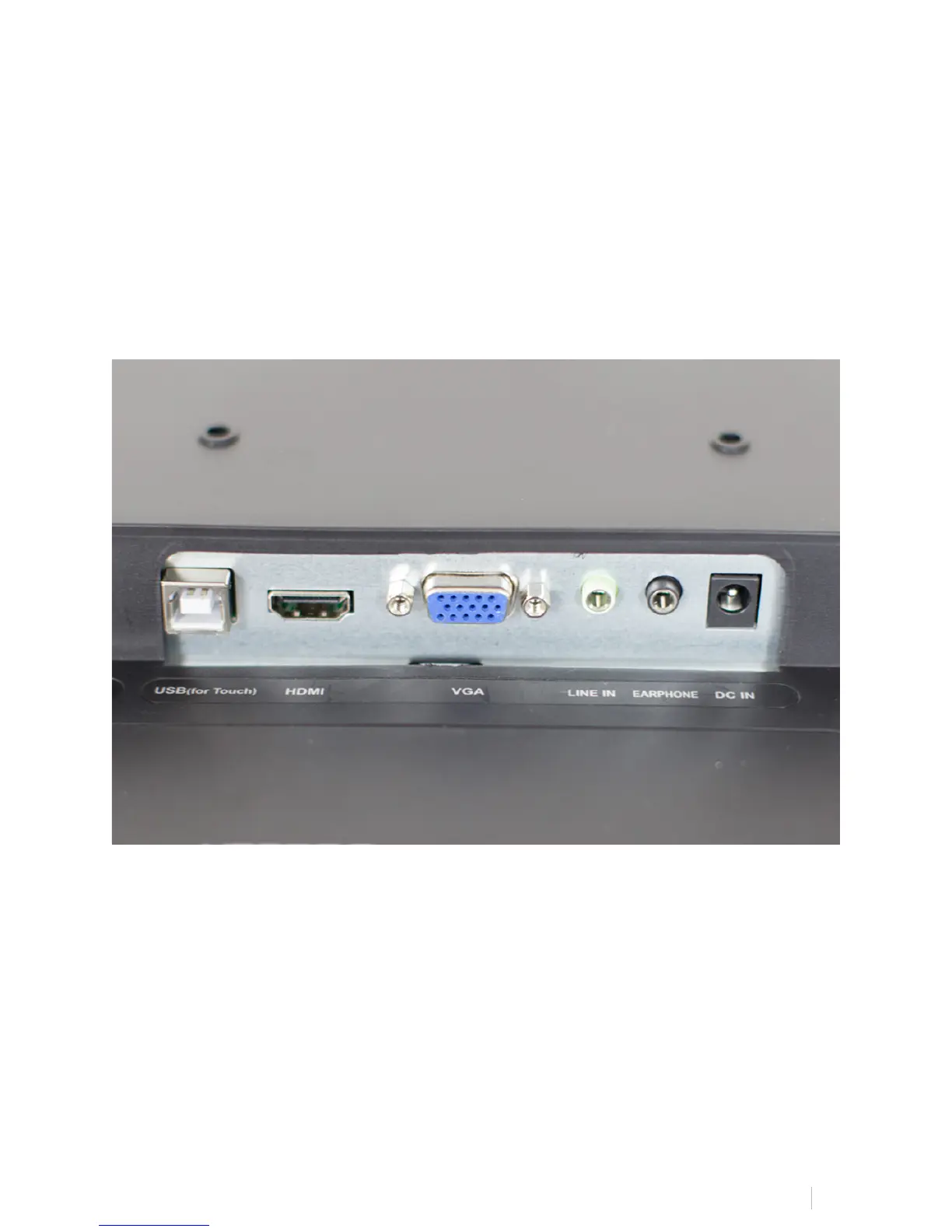
RAVEN MTi connects to your computer using a HDMI and USB connection.
1. Attach HDMI video cable to the first slot on your computer. (Note,
adapters may be used to connect to your computer, but these are not included.)
2. Connect USB to any available slot on your computer.
3. Turn computer on and computer will sync to display.



 To Next Page