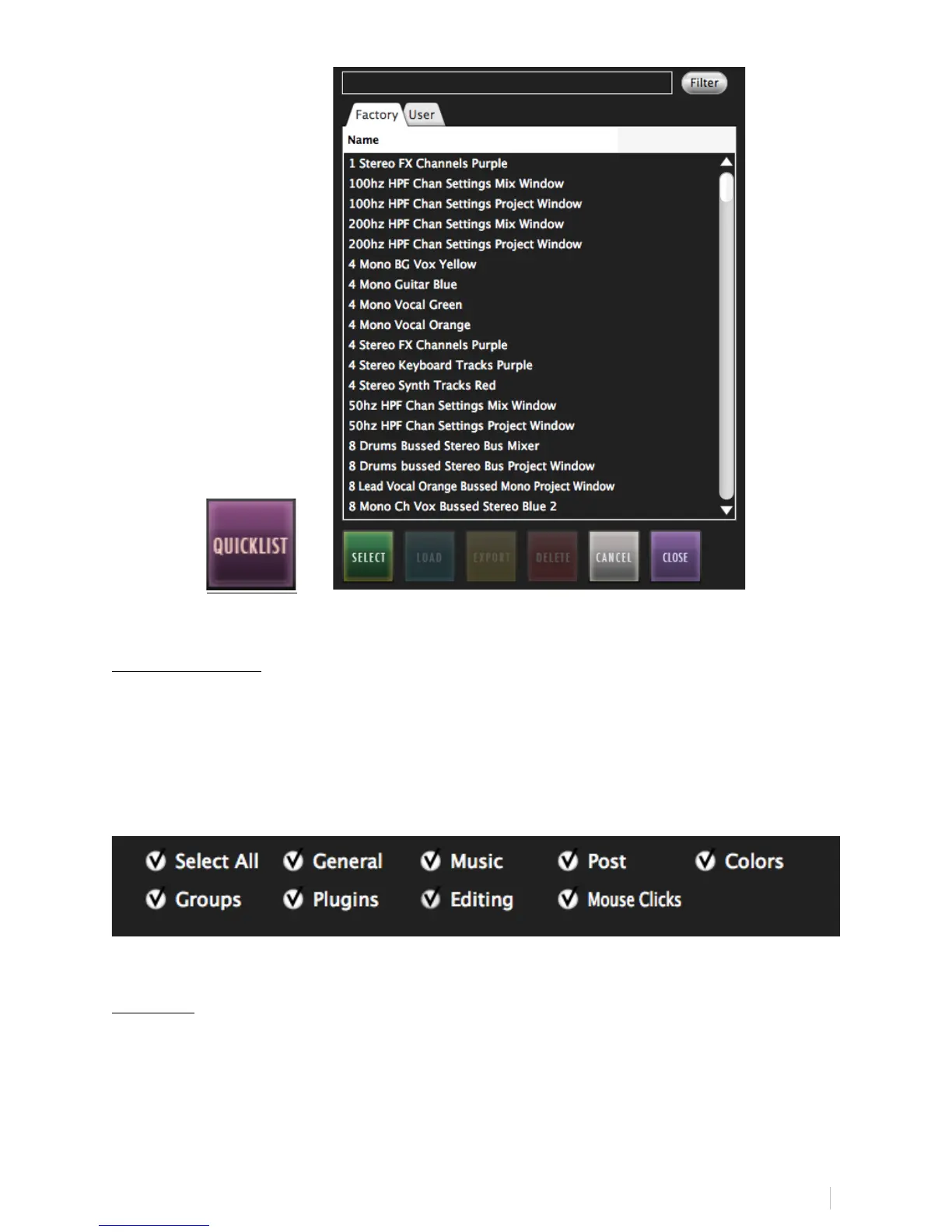
Search & Filter:
On the top of the QuickList, users can search quickly through the Factory &
User Batch Commands.
For further search refinement, users can quickly filter your search results
between various worflow types such as, “General,” “Music,” “Post,” and more
within the “Factory” tab.
Remove:
Select an undesired Key Command or QuickList item by touching and
highlighting it and then hit Remove to eliminate the selected item from the
command sequence.



 To Next Page