Clear All:
Clear All will completely eliminate all programmed information in the Batch
Command menu associated with the selected button. This includes Name &
Color.
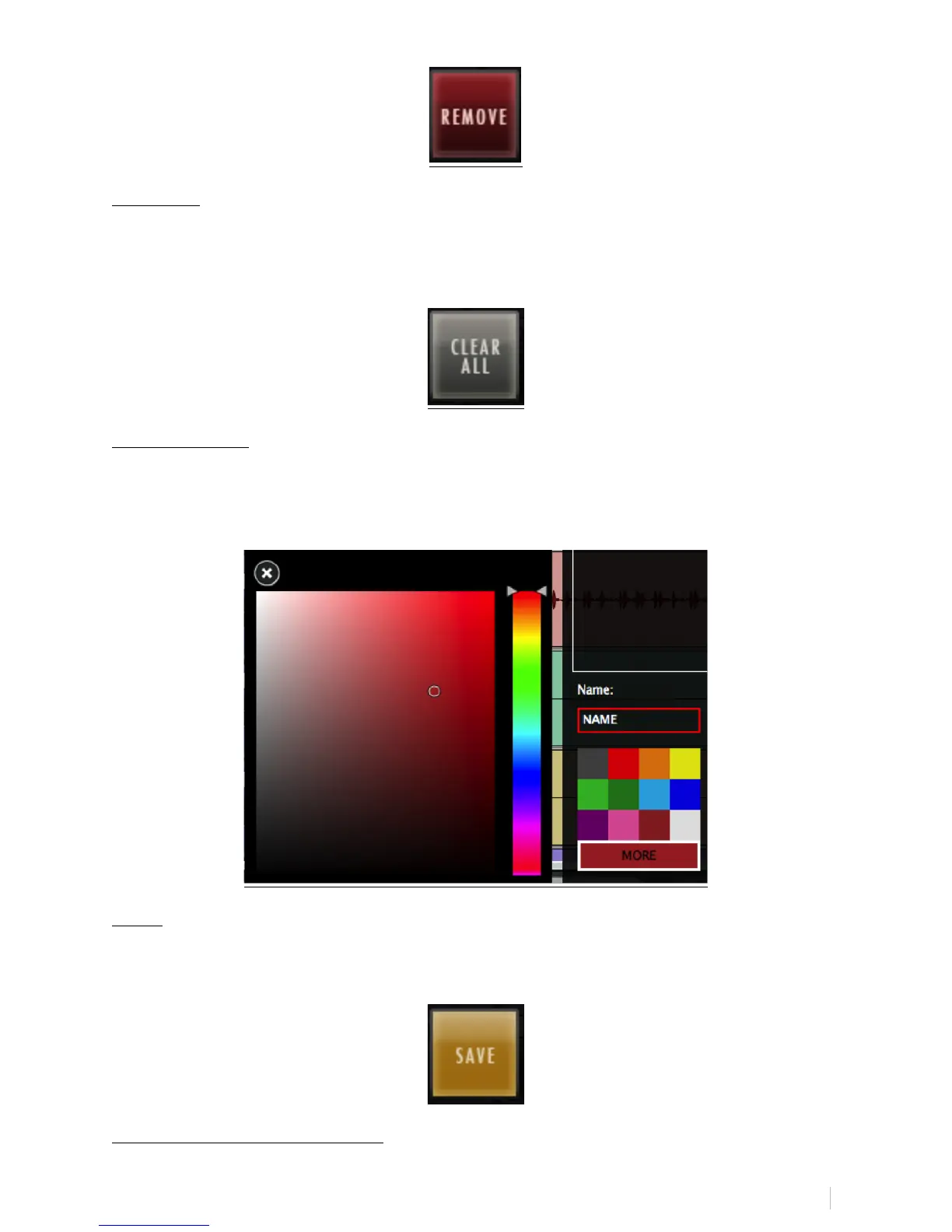
Name & Color:
On the bottom left of the Batch Command Menu there is an empty bar for
naming your Batch Command and a block of multiple colors to choose a color
for the Batch Command on the RAVEN Toolbar.
Save:
Use the Save button to save a custom Batch Command. Be sure to give it a
name you will recognize in the QuickList.
USING THE QUICKLIST MENU:



 To Next Page