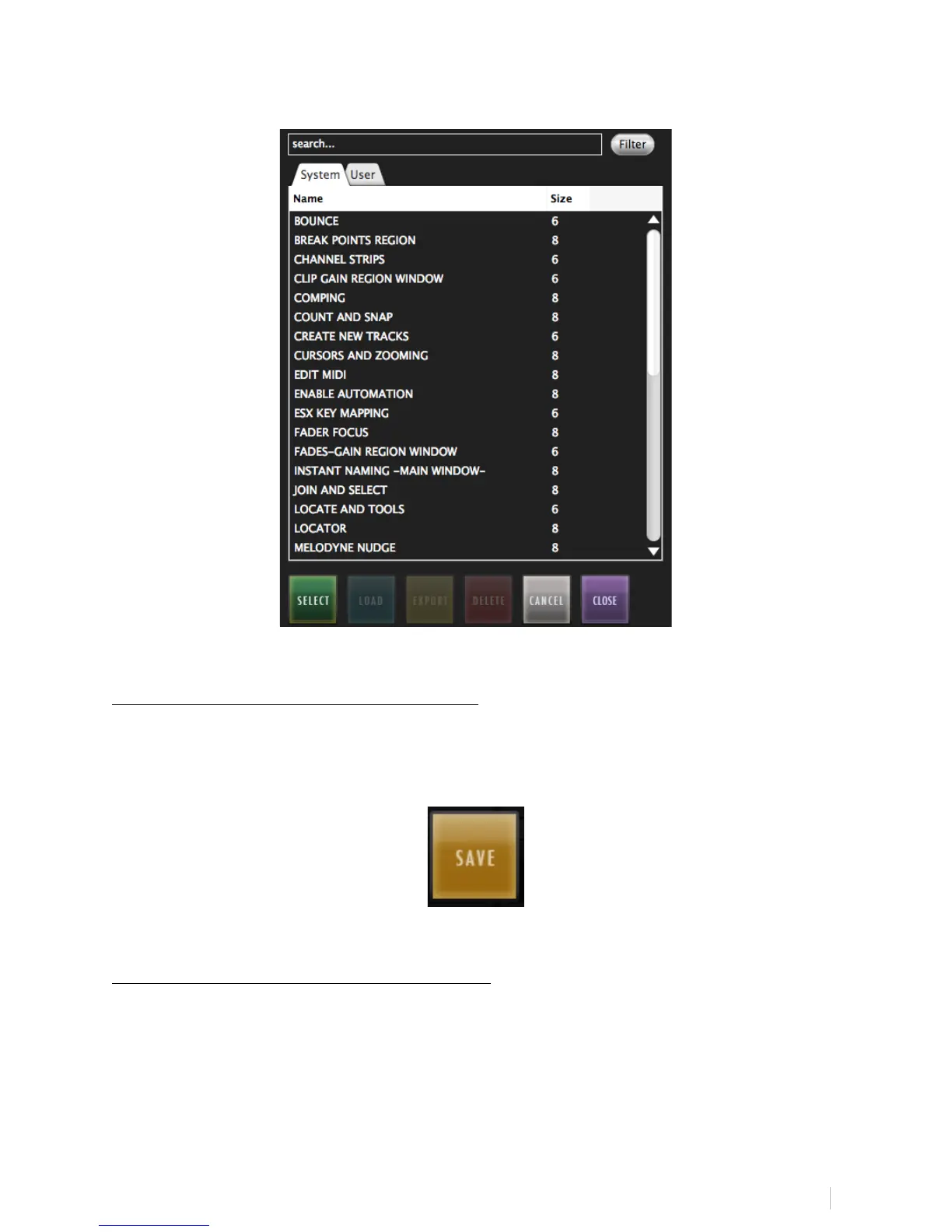
Note: If the panel and size are not the same, the panel will reject the
conversion.
SAVE ENTIRE BATCH COMMAND PANEL:
Push and hold on the Batch Command Panel label and hit “SAVE” to add a
customized Batch Command Panel to your Batch Command Panel User QuickList
to use to locate across multiple different layouts.
CLEAR ENTIRE BATCH COMMAND PANEL:
Push and hold on the Batch Command Panel label and hit “Clear All” to
completely delete the contents of a Batch Command Panel quickly. Be careful
when using this function as it will delete the entire contents of a Batch
Command Panel including Names, Programmings and Colors.



 To Next Page