CHAPTER 4
22 SCS 440 Serial Interface Installation & Service Manual
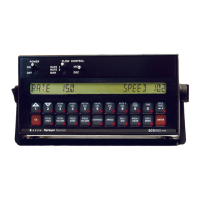
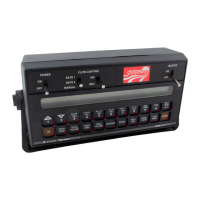
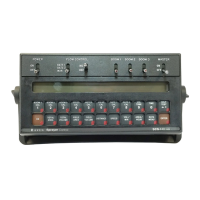
1. Mount the SCS 440 console to a secure area inside the machine’s cab.
NOTE: The SCS 440 console should be mounted in the machine’s cab so that the machine operator has easy
access to it.
2. Connect the receptacle end of the console control cable into the back of the console.
3. If using the Raven radar speed sensor:
• Connect the red wire on the radar power cable to the orange cable wire on the console control cable.
• Connect the white wire on the radar power cable to the white wire on the console control cable.
4. Route the power wire on the console control cable to the 12 VDC battery and connect it to the positive (+)
battery terminal.
5. Route the ground wire on the console control cable to the 12 VDC battery and connect it to the negative ( - )
battery terminal.
6. Turn the POWER ON/OFF switch on the boom switch to OFF.
7. Connect the speed sensor cable to the back of the console.
8. Connect the plug end of the console cable to the main receptacle connector on the flow control cable.
9. Secure the speed sensor cable and console control cable with zip ties.
CAUTION
Always connect the power cable as the last step
in the installation process and verify that the
power leads are connected with the correct
polarity. Reversing power leads can cause severe
damage to the equipment.


 To Next Page
 Loading...